13. In the list of paired devices, touch Socket CHS.
The CHS will beep once when it has connected and is ready to scan barcodes.
The LED will also blink blue once every 3 seconds, and the icon at the top of
the screen will also change.
Status Bar Icon
CHS not connecte
CHS connect
14. Touch Back
to close Socket EZ Pair.
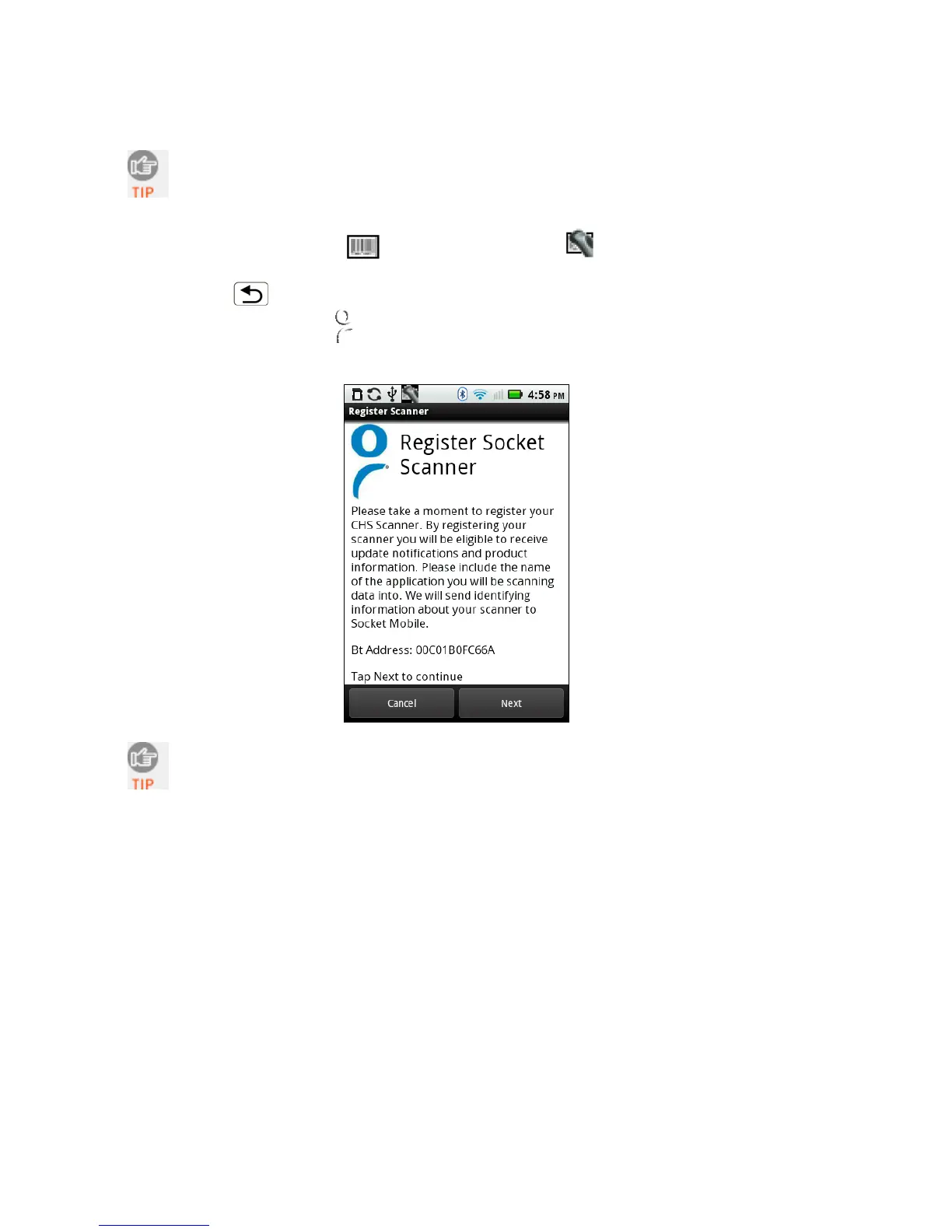
15. A Socket registration icon
will appear at the top of the screen. If desired, swipe it
down to open the software and register the scanner.
After you have connected, you can touch Socket CHS in the main screen of
SocketScan 10 to view basic scanner properties.
68















 To Next Page