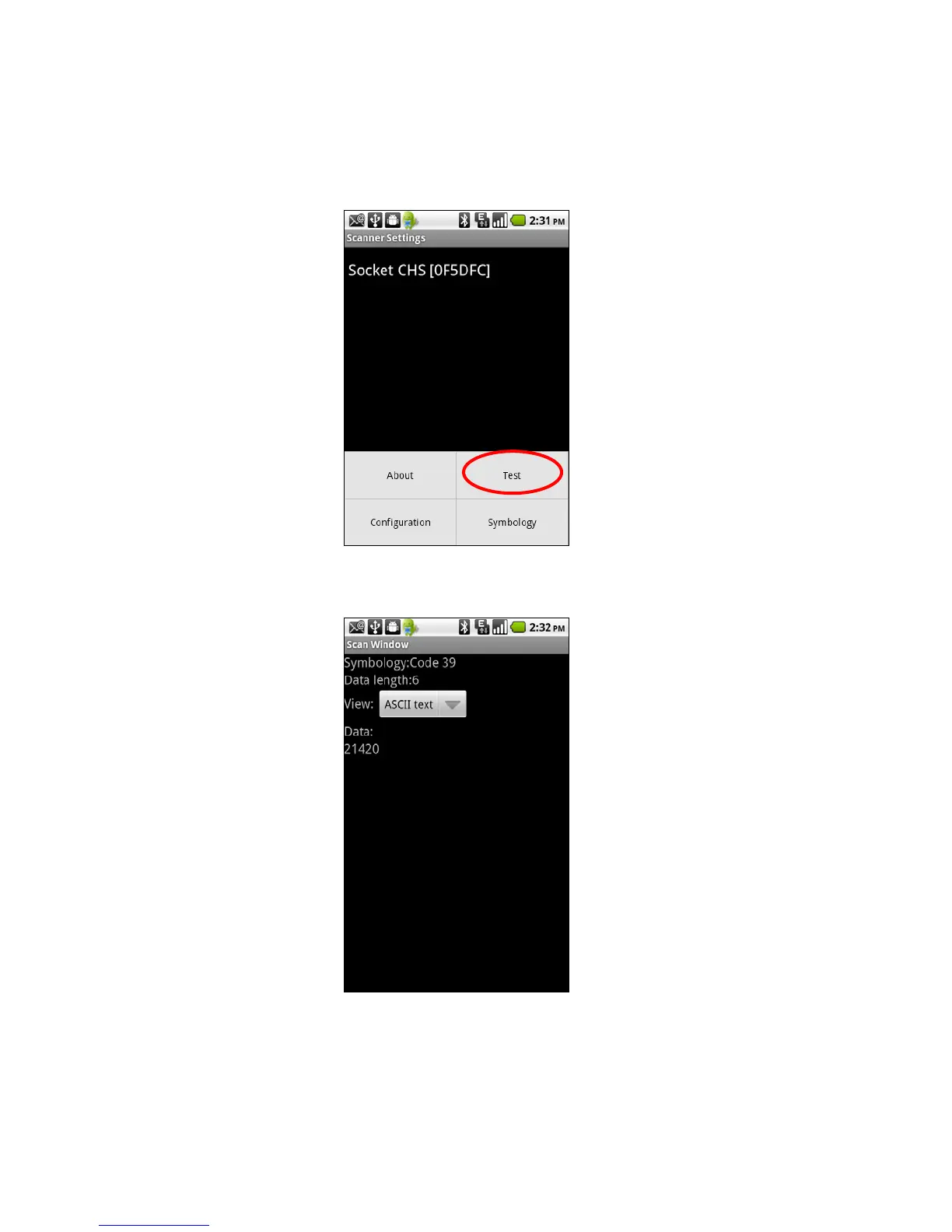
Test
The Test feature reports the properties of a scanned barcode.
1. In the main screen of Scanner Settings, touch Menu | Test.
2. In the Scan Window screen, select if you would like scanned data to appear as ASCII or
hexadecimal format.
3. Scan a barcode. The Scan Window will report the barcode’s symbology (barcode type),
data length, and data.
CHAPTER 6: SETUP FOR ANDROID 73















 To Next Page