HARDWARE FEATURES
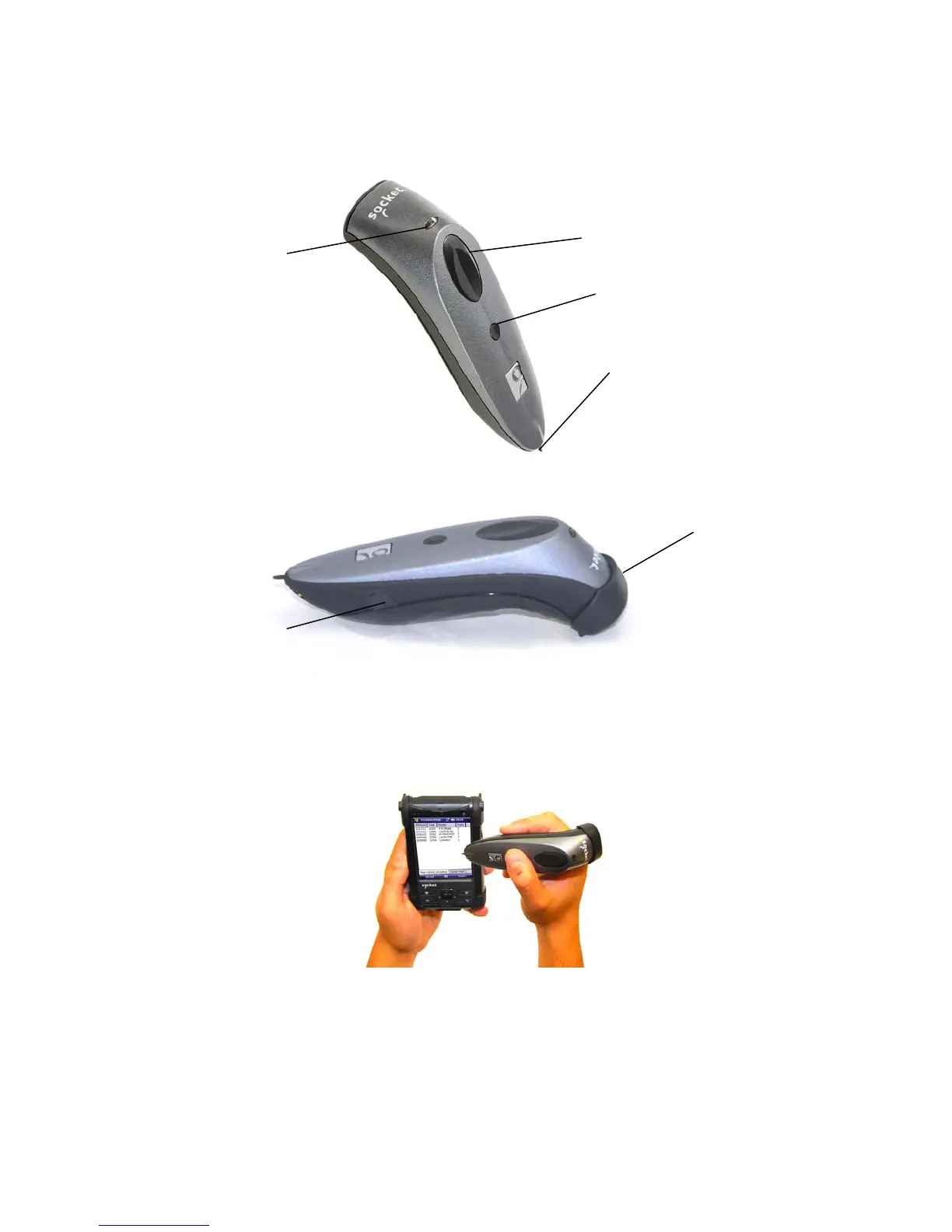
Product Diagram
Trigger button
Status indicator LED
Power button
Stylus tip
Protective rubber bumper
(7P and 7NRx only)
Power connector
(For 7P or 7NRx, remove rubber
cap to access)
Touch Screen Stylus
The bottom of the CHS features a stylus tip that you can use on Pocket PC and other resistive
device touch screens.
WARNING: Do not use the stylus if damaged, as it may scratch the display screen of your
computer. Do not use on iPhone, iPad, iPod touch or other capacitive screen device.
8















 To Next Page