64
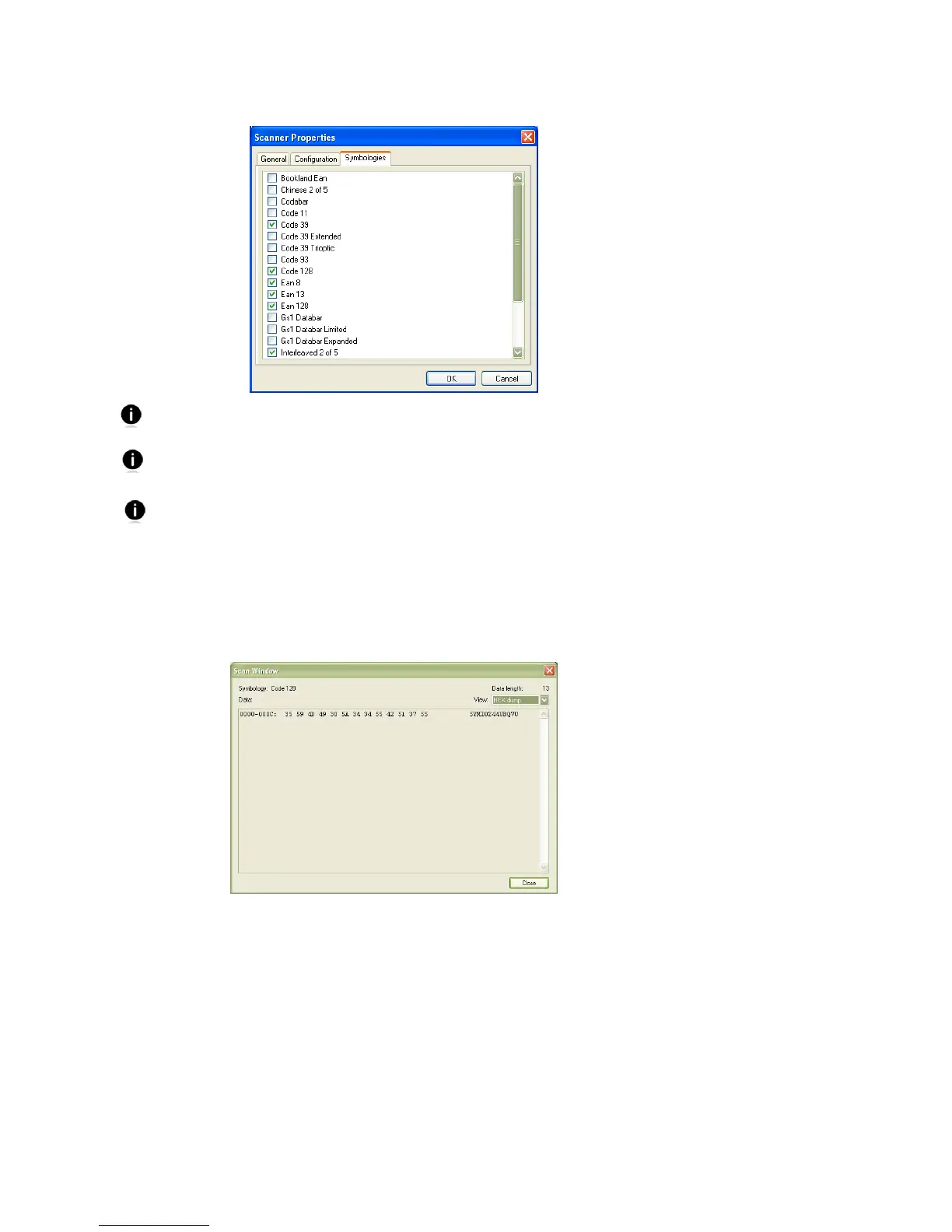
Click on the Symbologies tab to modify which symbologies the CHS will be able to decode.
Enabling all possible symbologies may slow the decoding process.
The RSS symbology is now known as GS1 DataBar.
If you want to read UPC-A symbols, disable the GS1 DataBar option so that GS1 DataBar
symbols don’t get mistakenly decoded.
8. Click OK to exit the Scanner Properties. If desired, click Test to test scanning a
barcode. The Scan Window will appear.
9. Scan a barcode that you would like information about. The Scan Window will report
the barcode’s symbology, data length, and data, in your choice of ASCII or
Hexadecimal format.
10. After testing a barcode, click Close. Click OK to exit Scanner Settings. The CHS will
beep twice after disconnecting from Scanner Settings. A few seconds later, the CHS
will beep once after connecting to SocketScan 10.















 To Next Page