CHAPTER 6: SETUP FOR SOCKET SOMO 75
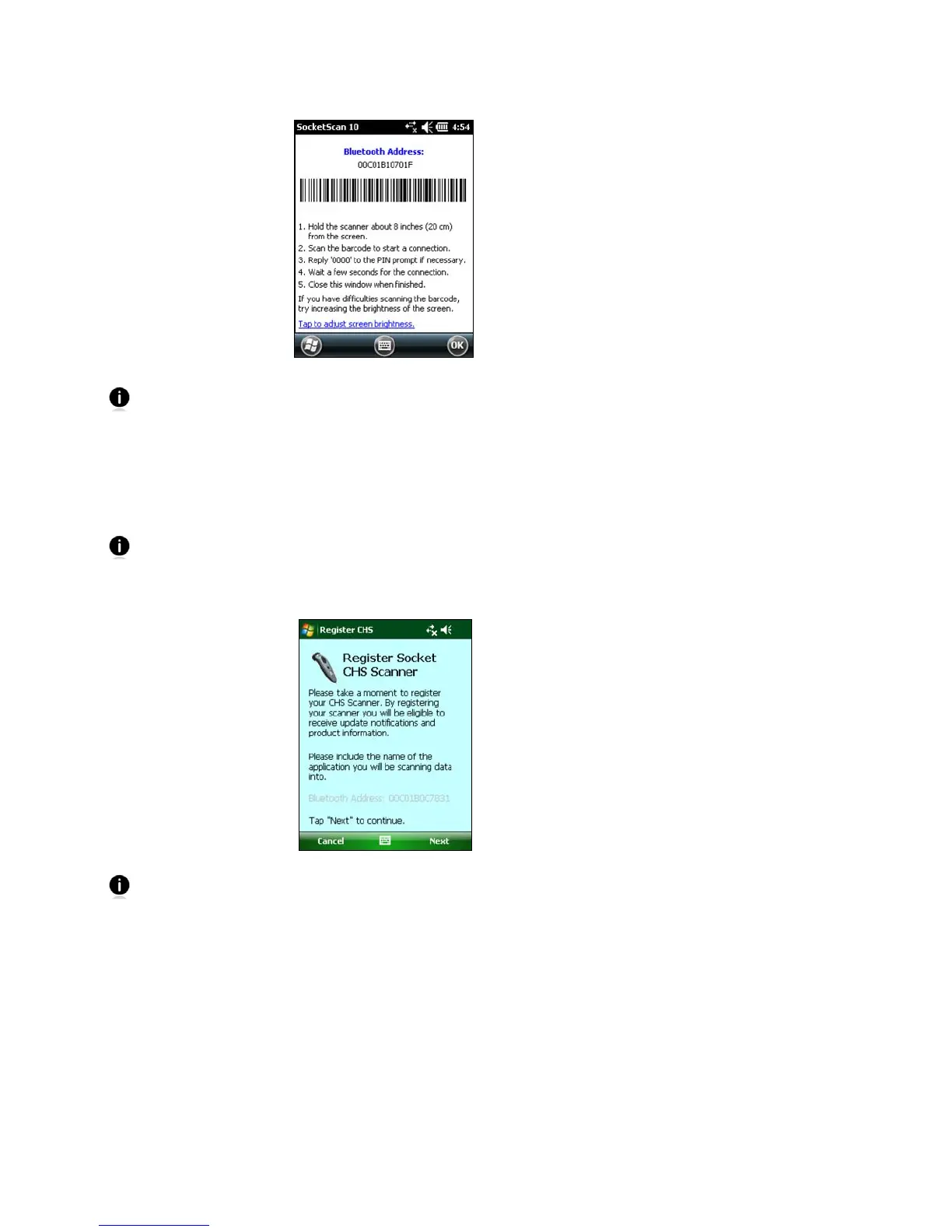
7. Scan the barcode that appears in the next screen. The CHS will beep 3 times.
If you have trouble reading the barcode, try increasing the brightness of the
screen. Tap on the link at the bottom of the screen to modify the brightness
settings.
8. The screen will report that the CHS is trying to connect. Tap Yes.
9. Enter the passcode 0000. Tap Next.
10. The CHS will pair with the SoMo. Tap OK.
The CHS will beep once when it has connected and is ready to scan barcodes.
The LED will also blink blue once every 3 seconds.
11. The CHS registration screen will appear. Follow the instructions to register your
scanner, or click Cancel to register later.
Now you are ready to scan barcodes, see instructions on the next page.















 To Next Page