CHAPTER 7: SETUP FOR BLACKBERRY 85
USING THE CHS IN HID MODE (BLACKBERRY PLAYBOOK)
Compatible with BlackBerry PlayBook running QNX. For BlackBerry OS
smartphone, see page 86
for SPP instructions.
To pair the CHS with your Android device:
You only need to pair the CHS with your PlayBook the first time you try to
connect.
1. Power on the CHS. Press and hold the small power button until the LED turns
blue and the CHS beeps twice (low-high).
The LED blinks blue once per second to show that the Bluetooth radio is
on but not connected.
2. By default the CHS is in HID mode for Keyboard Devices. If you changed the
CHS mode, use the appropriate command barcode
to change it back to HID
mode for Keyboard devices.
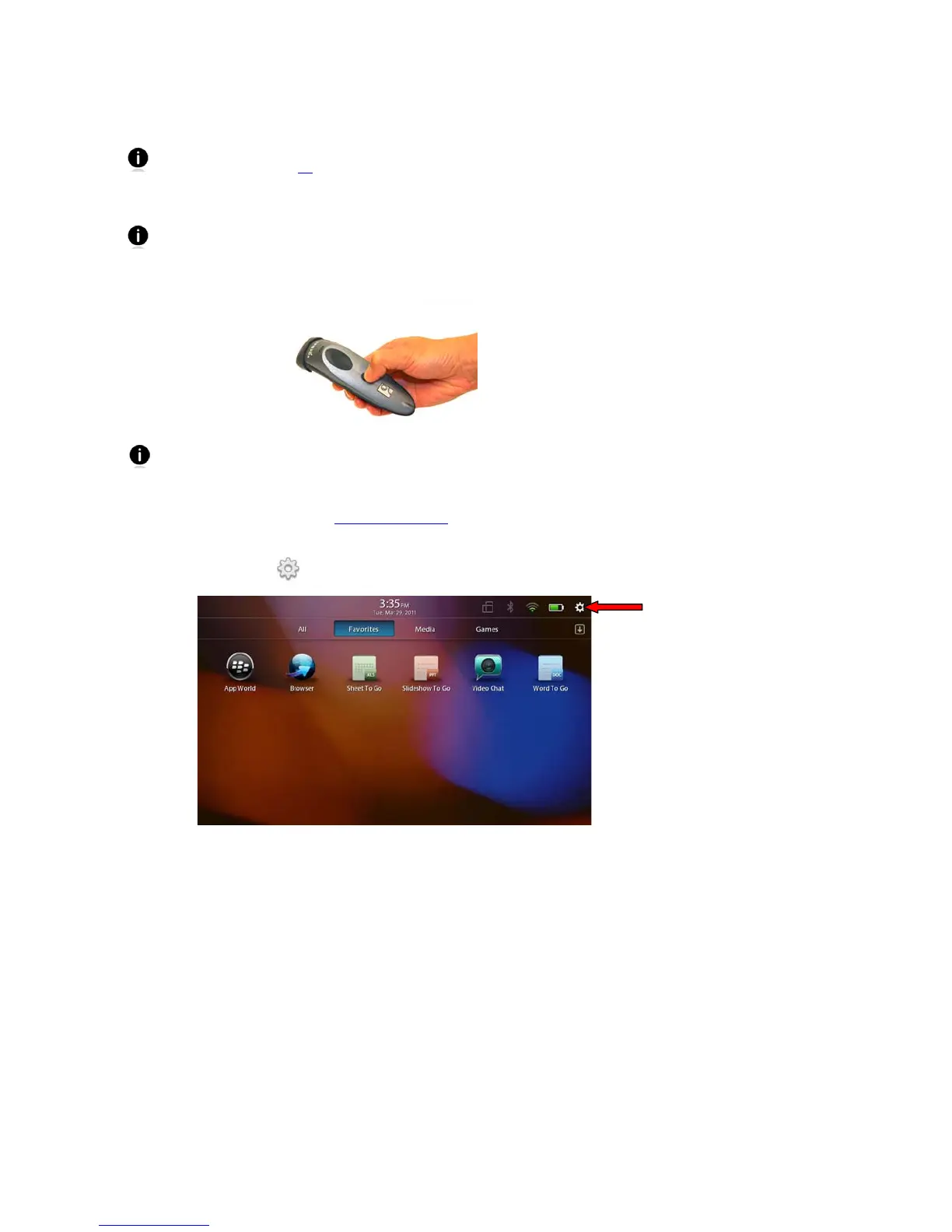
3. On the status bar, tap
| Bluetooth.















 To Next Page