24
COMMAND BARCODES (CONTINUED)
Important! Make sure the CHS is not connected to a host computer or
device before scanning a command barcode!
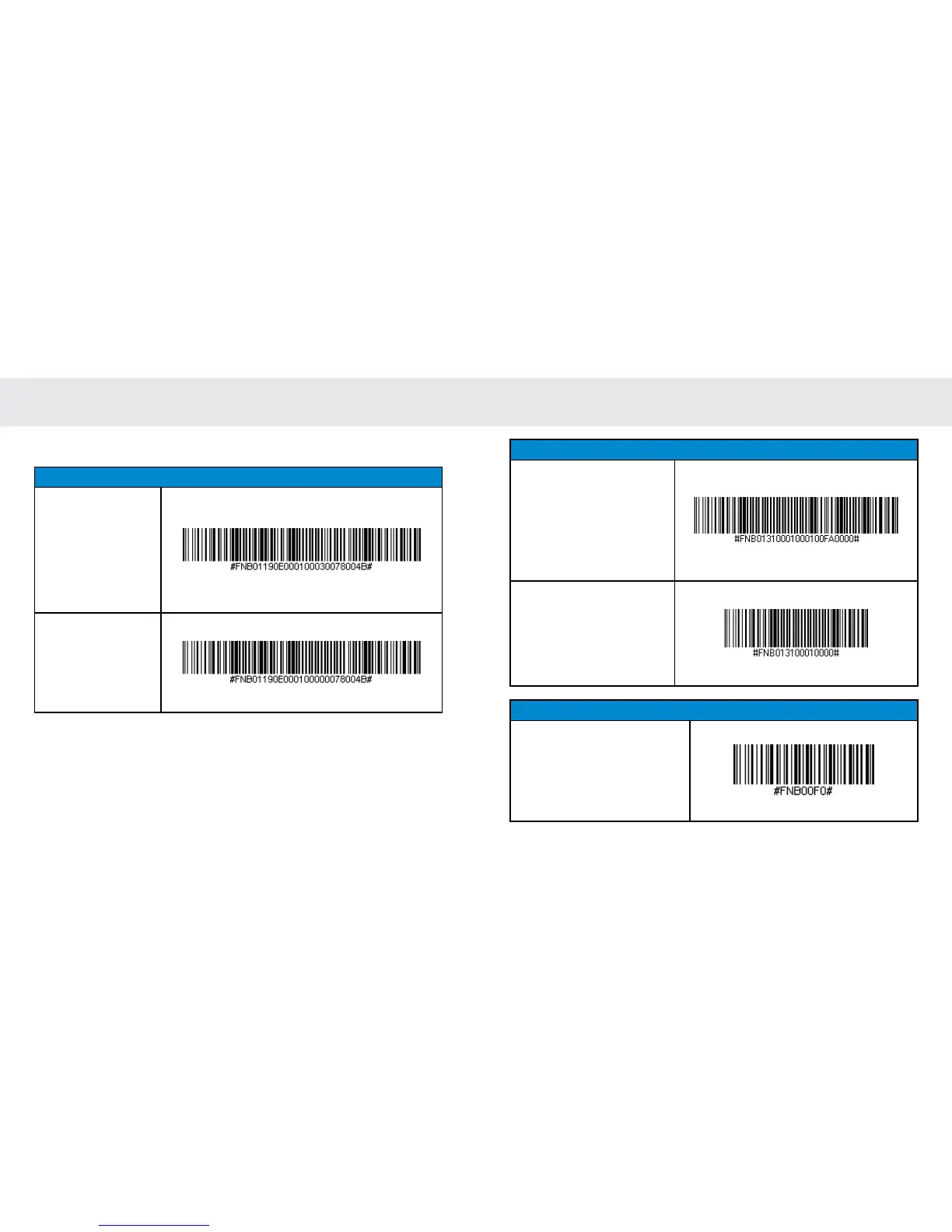
Beep Settings
Beep after CHS
Decodes Data ON
(default)
Enables CHS to beep
to indicate success-
ful scans.
Beep after CHS
Decodes Data OFF
Disables CHS from
beeping to indicate
successful scans.
COMMAND BARCODES (CONTINUED)
25
Vibrate Settings
Vibrate “ON” (default)
Enables CHS to vibrate to
indicate successful scans.
Vibrate “OFF”
Disables CHS from vibrat-
ing to indicate successful
scans.
Factory Default
Factory Reset
Revert all settings to fac-
tory defaults. The CHS will
power off after scanning this
barcode.















 To Next Page