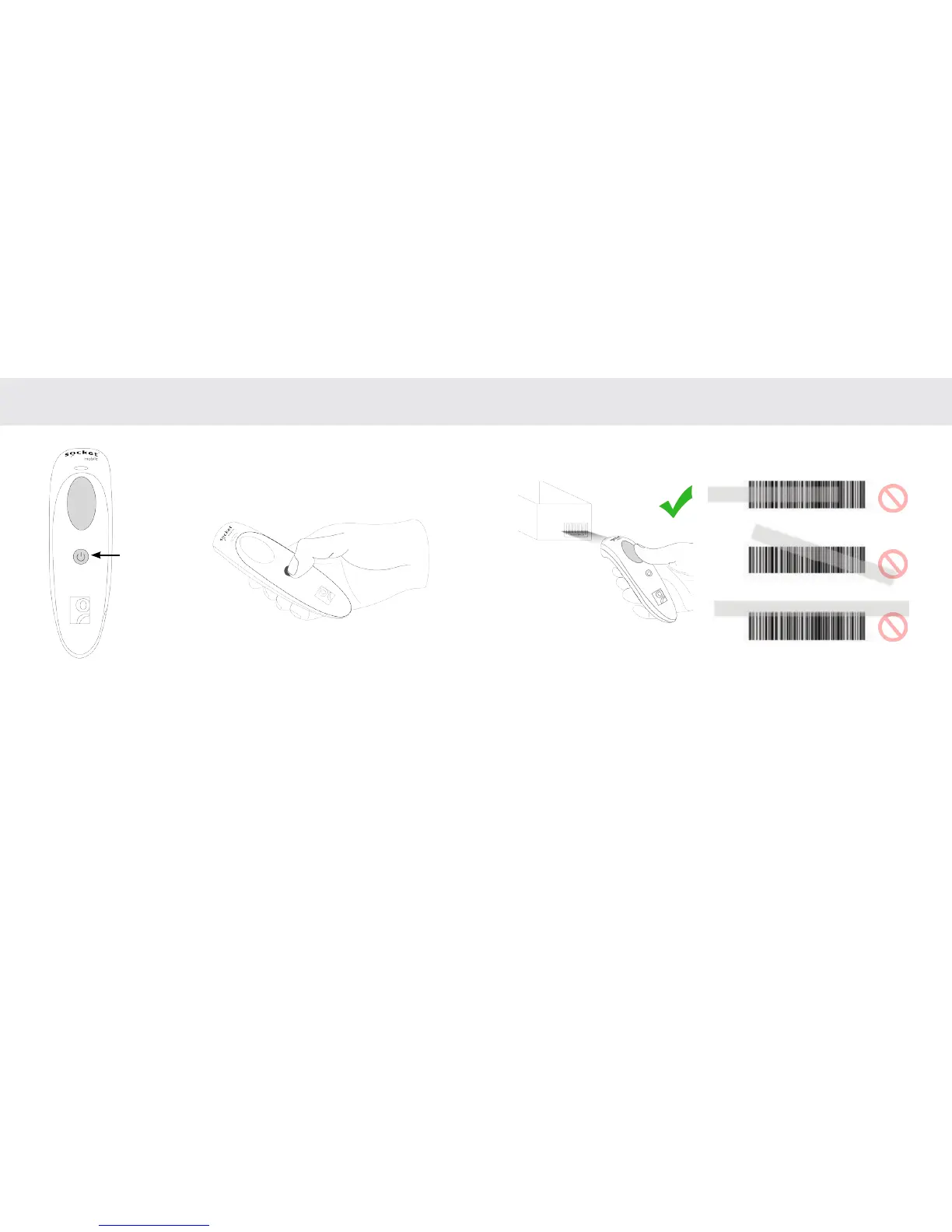
BASIC FUNCTIONALITY
Powering On:
Press and hold down the small
power button until the LED
turns blue and the CHS beeps
twice (low-high).
Powering Off/ Disconnecting:
Press and hold down the small
power button until the CHS beeps
twice (high-low).
USING THE SCANNER
Scanning Barcodes
After connecting the CHS to your device, open an application. Place
the cursor where you want to enter the scanned data.
1. Hold the CHS a few inches from the barcode.
2. Aim, press and hold the trigger button.
By default, the CHS will beep, vibrate, and the LED will ash green to
conrm successful scan.
Not recommended
scanning techniques
Aim the scan beam straight
across the entire barcode.
Power button
6 7















 To Next Page