Connect Apple OS devce n Applcton Mode
Plese chec wth our scnner pplcton vendor or vst
wwwsocetmoblecom/ppstore to confrm our scnner-enbled
pplcton supports the scnner
If ou re usn the scnner wth n Apple OS devce nd
scnner-enbled Applcton tht does not provde nstructons how
to connect our scnner, plese use the follown steps
1 Power on the scnner Me sure the scnner s dscoverble
(unpred) The Blue lht should be blnn fst
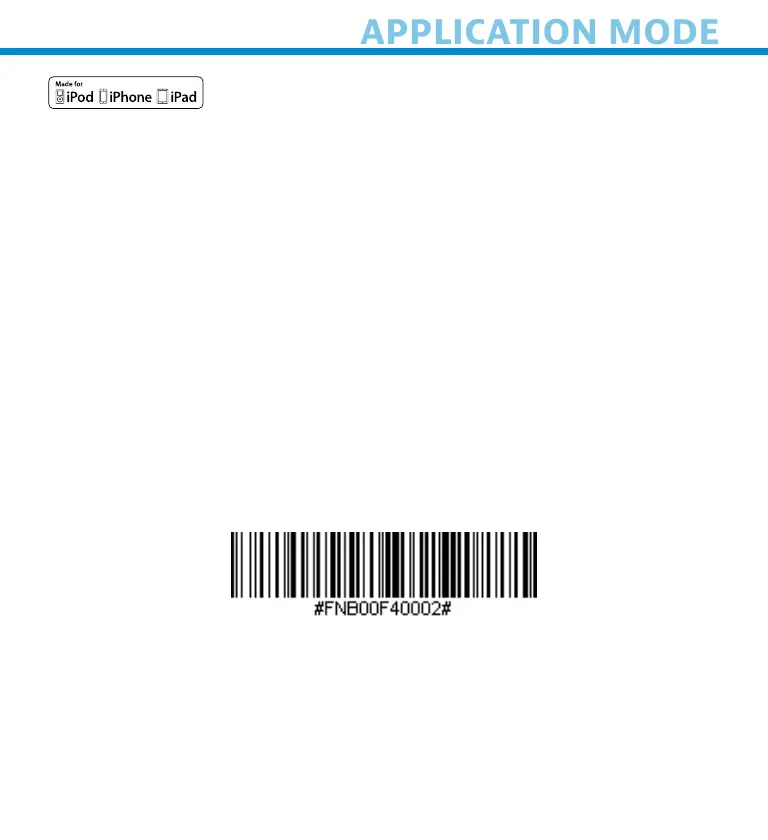
2 Scn the brcode to chne the profle to Applcton Mode (MFI-
SPP)
Use wth Pd, Pod touch, nd Phones
3 Turn on Bluetooth on the Apple devce Go to Settns >
Bluetooth
A Bluetooth Devces serch wll ben
15















 To Next Page