Note: This procedure will put the scanner in discoverable mode.
Step 1 Unprn the scnner Delete the Bluetooth Prn
If the scnner s pred wth devce, unpr t before trn to
connect to dfferent devce
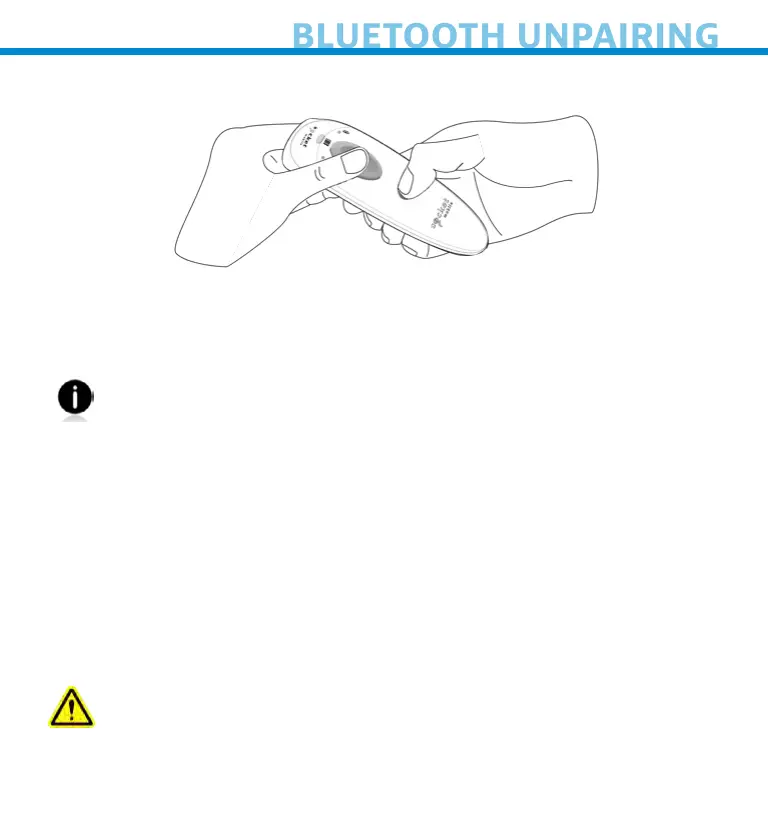
Power on the scnner
b Press nd hold the scn button, then press nd hold the
power button t the sme tme
The scnner wll unpr nd utomtcll power off The next tme
ou power on the scnner, t wll be dscoverble
Step 2 Remove or foret the scnner from the Bluetooth lst on
the host devce
Importnt Both steps bove must be done to complete
the unprn process
23















 To Next Page