EasyManua.ls Logo

Socket SOCKETSCAN S740 - Page 22

Socket SOCKETSCAN S740
52 pages
Print Icon
To Next Page IconTo Next Page
To Previous Page IconTo Previous Page
Loading...
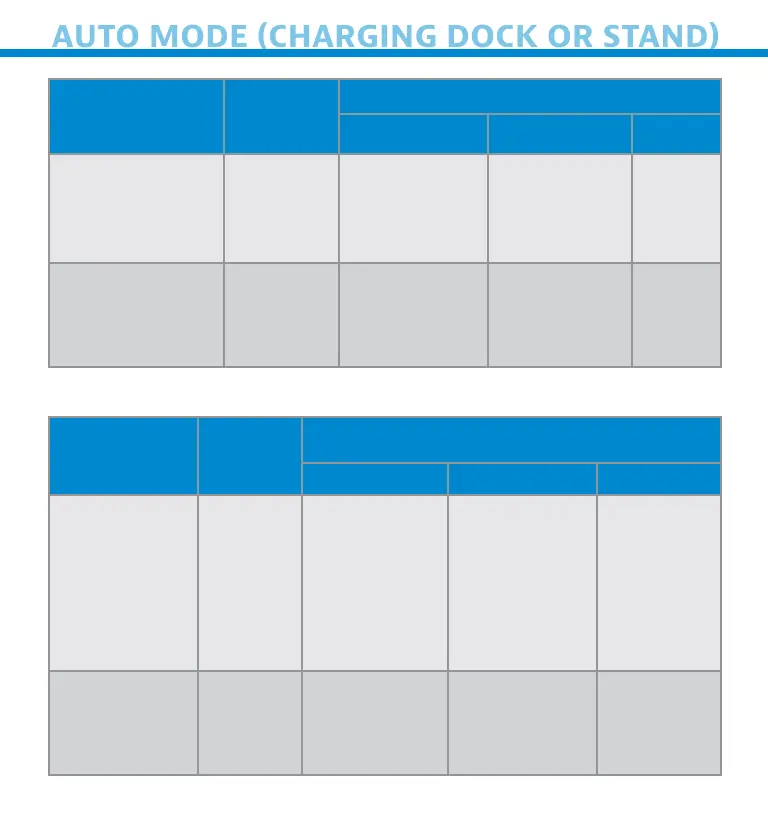
AUTO MODE (CHARGING DOCK OR STAND)
Acton Behvor
Notfcton
Beep Pttern Lht Actvt Vbrte
Plce Scnner
n the Chrn
Doc or Stnd
Scnner
swtches
to Auto
Mode
Hh-hh
tone con-
frms proper
setn*
Btter St-
tus Lht s
Dsbled
None
Plce  brcode
n the Scnners
Feld of Vew
Red Br
Code
1 Beep when
Dt
successfull
scnned
Green Lht
blns (whle
scnnn)
None
Mnul Mode (Not n the Chrn Doc or Stnd)
Acton Behvor
Notfcton
Beep Pttern Lht Actvt Vbrte
Remove the
Scnner from
the Chr-
n Doc or
Stnd nd
press the
Scn button
Scnner
swtches
to
Mnul
Mode
None
Btter
Sttus Lht
s Enbled
Enbled
Press the
Scn button
Decode
Br Code
1 Beep when
Dt
successfull
scnned
Green Lht
blns (whle
scnnn)
Vbrte
when Dt
successful-
l scnned
22

Related product manuals