AUTO MODE (CHARGING DOCK OR STAND)
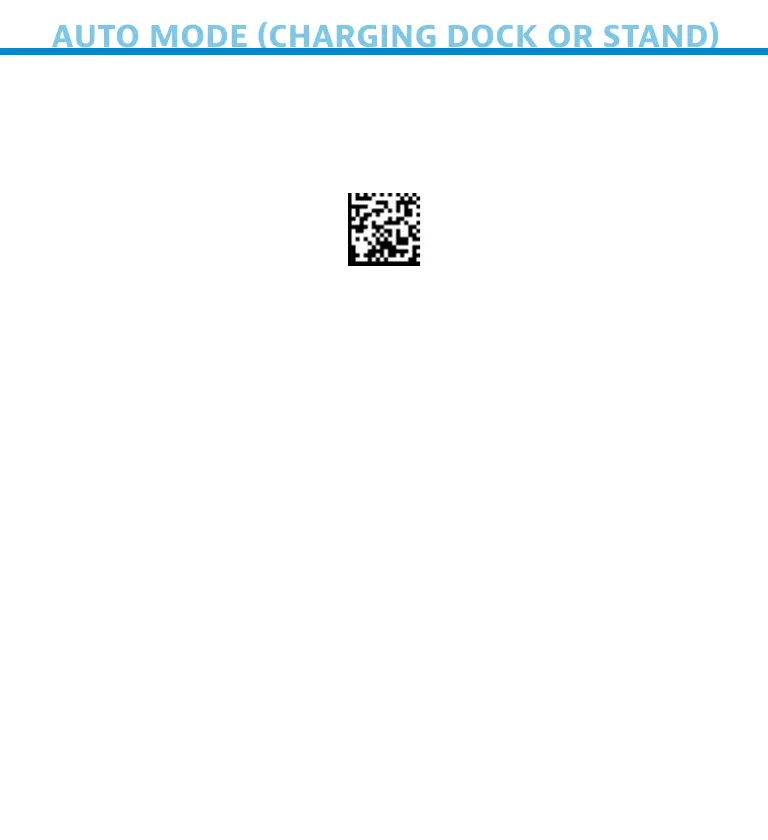
If you have purchased the Socket Mobile Charging Dock or Stand,
the S740 can both charge and scan stationary in Auto Mode.
1 Scn commnd brcode to plce our scnner n Auto Mode
Note: Turn off host device’s Bluetooth before scanning command bar-
code.
2 Once the scnner s n Auto Mode, t wll swtch to utomtc
scnnn when t detects power comn from the chrn pns of the
Chrn Doc or Stnd Plce brcode n the scnners feld of vew
nd the scnner wll utomtcll scn t
*Supported 2D Scnners 7Q, 7X, D740, D750, D760 nd S740
Auto Mode (In the Chrn Doc or Stnd)
21















 To Next Page