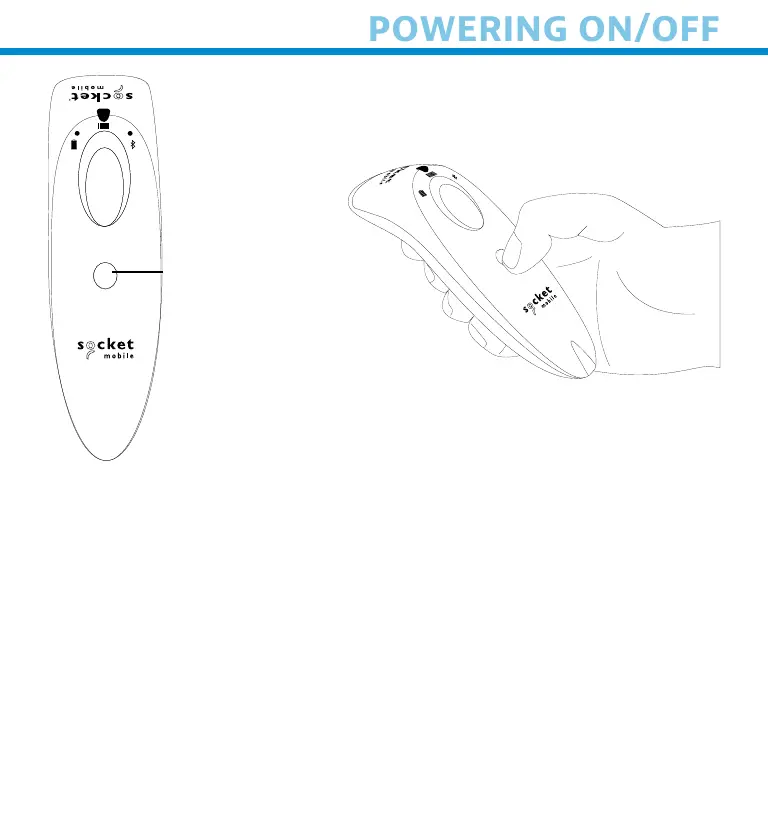
Powern On
Press nd hold down the smll
power button untl the Btter
lht turns on nd the scnner
beeps twce (low-hh)
Powern Off/ Dsconnectn
Press nd hold down the smll
power button untl the scnner
beeps twce (hh-low) nd lhts
turn off
The scnner wll power off uto-
mtcll f devce s not con-
nected wthn 5 mnutes Scn-
ner connected to devce wll
power off wthn 2 hours f dle/
nctve
Power button
9















 To Next Page