48
COMMAND BARCODES (CONTINUED)
For busy days on the job, try using the Active Mode to keep you moving faster.
Avoid the hassle of turning the scanner on again and reconnecting to your host
device.
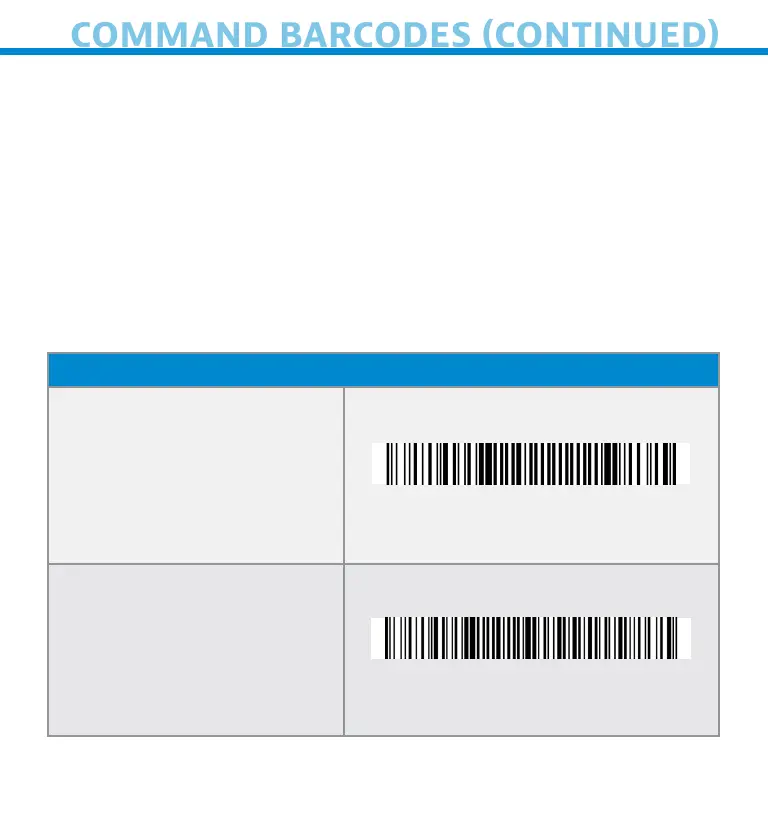
Scan one of the barcodes below and recongure the scanner to remain on longer.
Note: Turn off the host device’s Bluetooth prior to scanning one of the alternate
timer barcodes. Then turn the Bluetooth back on.
*These settings drain the battery faster. Please ensure the scanner is charged
daily.
Bluetooth Connecton Modes
Scnner Alws On*
Confures the scnner to
never power off
#FNB012100000000#
Contnuous Power for 8
hours*
Scn Brcode to confure
the scnner to remn on for
8 hours
#FNB012101E001E0#















 To Next Page