23EN
DIRIS Digiware M-50 & M-70 - 548751B - SOCOMEC
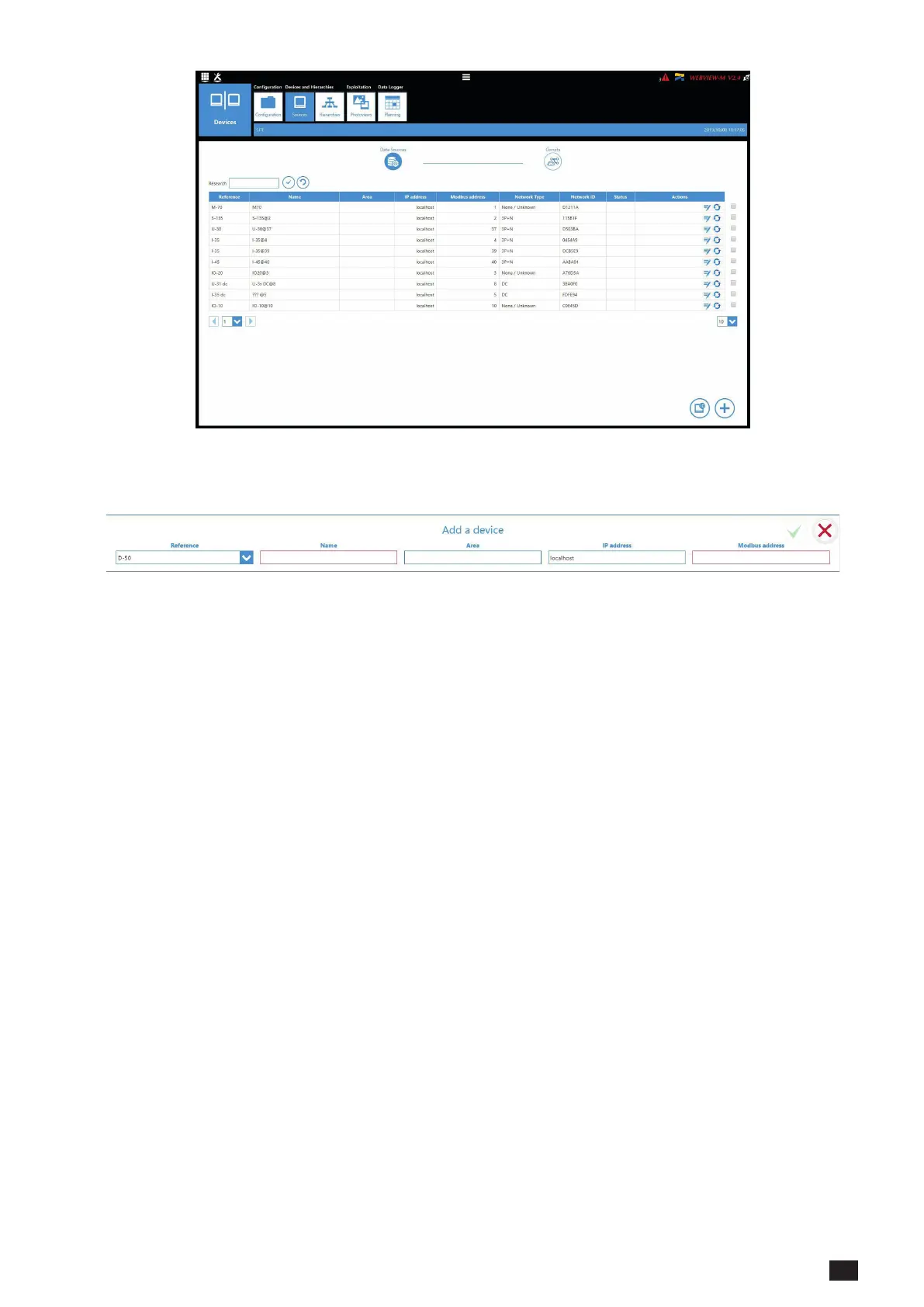
• Click on the “+” icon at the right bottom corner for manually adding products one at a time. Adding a
M-50/M-70 gateway or D-50/D-70 display will add the entire topology under that gateway or display.
• The various SOCOMEC devices that are supported by WEBVIEW-M are given in the following list:
Gateways
D-50
D-50v2
D-70
G-30/G-40
G-50/G-60
M-50
M-70
DIRIS B
B-10
B-30 RF
B-30 RS485
DIRIS Digiware
D-40
I-30
I-30 dc
I-31
I-33
I-35
I-35 dc
I-43
I-45
I-60
I-61
IO-10
IO-20
S-130
S-135
S-Datacenter
U-10
U-20
U-30
U-31 dc
U-32 dc
COUNTIS
Ci
E03
E04
E13
E14
E17
E18
E23
E24
E27
E28
E33
E34
E43
E44
E44R
E47
E48
E53
ECI32
ECI3
DIRIS A
A-10
A-20
A-30
A-40
A-40 Ethernet
A-40 Profibus
A14
A17
A17 2In
A17 THD
A17 THD In
A60
A80
Switches
ATyS p M
C55
C65
C66
Old DIRIS A
A10
A20
A20v2
A40v2
A40v3
Note: Other tabs such as “Hierarchy” and “Photoview” can be congured as well. They offer additional modes for the
visualisation and analysis of measurements and consumption.



 To Next Page