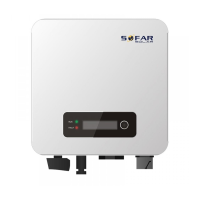
SOFAR 3.3~12KTLX-G3 User manual
Copyright © Shenzhen SOFARSOLAR Co., Ltd.
6.Operation interface
Outlines of this chapter
This section introduces the display, operation, buttons and LED indicator lights
of SOFAR 3.3~12KTLX-G3 Inverter.
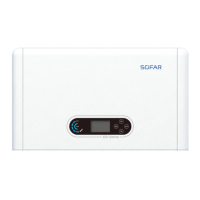
6.1. Operation and Display Panel
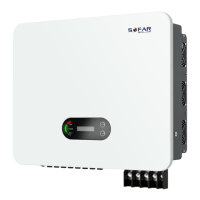
Buttons and Indicator lights
Button:
“
^
” Short press UP button = go up
“
^
” Long press UP button = exit menu or current interface
“
v
” Short press DOWN button = go down
“
v
” Long press DOWN button = enter menu or current interface
Indicator Lights:
“GFI” Red light ON = GFCI faulty
“Normal” Green light flashing = counting down or checking
“Normal” Green light ON = Normal
“Alarm” Red light ON= recoverable or unrecoverable faulty



 To Next Page
 Loading...