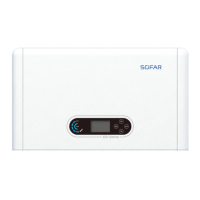
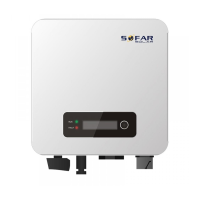
SOFAR 3.3~12KTLX-G3 User manual
Copyright © Shenzhen SOFARSOLAR Co., Ltd.
Figure 6-1 Remove communication broad cover
Step 2:Insert USB into computer;
Step 3 : SOFARSOLAR service team will send the software code to user, after
user receive the file, please decompressing file and cover the original file in USB
flash drive.
Step 4:Insert USB flash disk into the USB port of inverter.
Step 5 : Then turn on DC switch, srceen show “recoverable fault” (as AC
circuit breaker still open, inverter cannot detect grid power, so it may show
“recoverable fault”)
Step 6 : Long press “DOWN” button to enter the menu, then short press
“DOWN” button to find "5. Software Update” in the LCD display, long press
“DOWN” button to enter input password interface.
Step 7:Input the password, if password is correct, and then begin the update
process.
Step 8 : System update main DSP, slave DSP and ARM in turns. If main DSP
update success, the LCD will display “Update DSP1 Success", otherwise display
"Update DSP1 Fail"; If slave DSP update success, the LCD will display"Update
DSP2 Success", otherwise display "UpdateDSP2 Fail".
Step 9:After the update is completed, turn off the DC breaker, wait for the LCD
screen extinguish, then recover the communication waterproof and then turn
on the DC breaker and AC breaker again, the inverter will enter the running
state. User can check the current software version in
Systemlnfo>>3.SoftVersion.



 To Next Page
 Loading...