SOFAR 1.1K~3.3KTL-G3 User manual
Copyright © Shenzhen SOFARSOLAR Co., Ltd
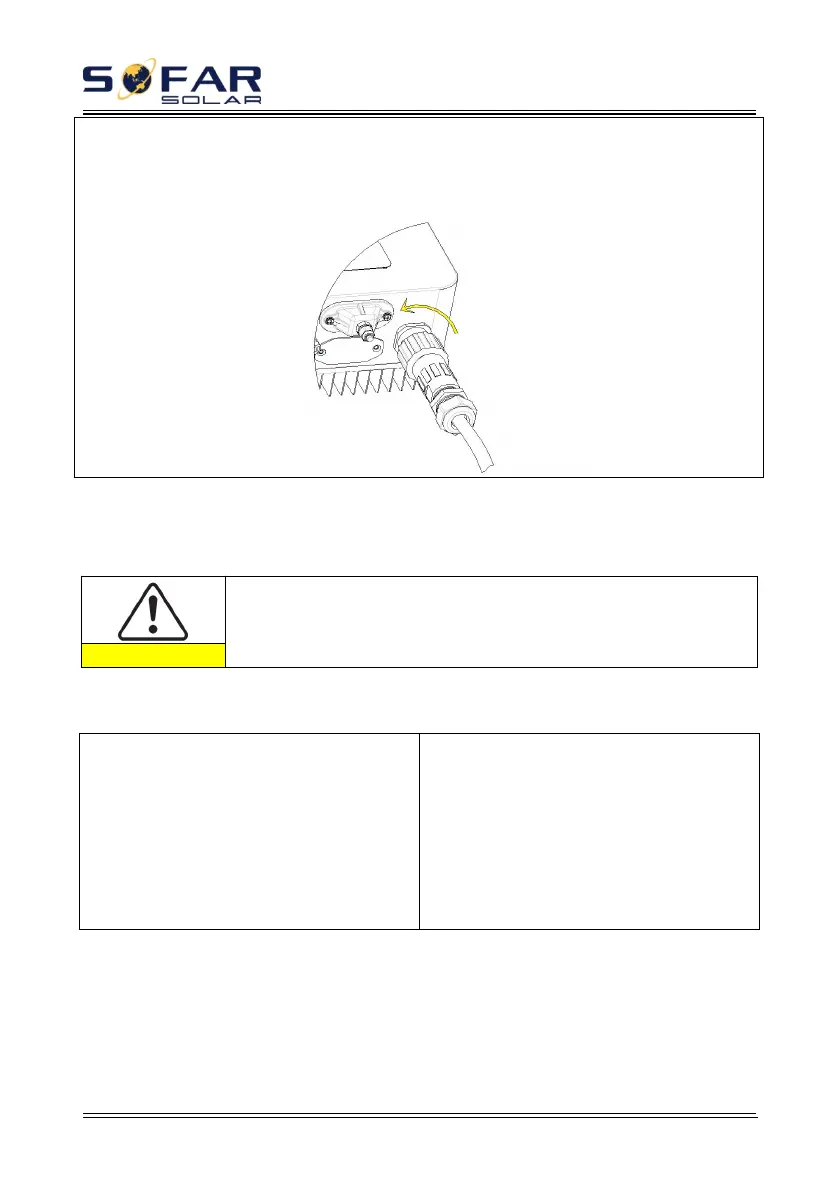
Removing the AC connector Pull out the AC connector by rotating the knob
counterclockwise.
Figure 4-17
Make sure the grid is disconnected before removing the AC connector
ModeⅡ connector installation instructions
Step 1 Select appropriate cables
according to Table 4-2, Remove the
insulation layer of the AC output cable
using a wire stripper according to the figure
shown below: A:15-25mm B:6~8mm
Figure 4-18
Step 2 Disassemble the AC connector
according to the figure shown below: insert
the AC output cable (with its insulation
layer stripped according to step 1) through
the waterproof locking cable gland.
Figure 4-19








 To Next Page