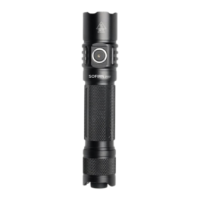
Low voltage warning: When the battery voltage is too low, the LED indicator in
the side switch will start to flash rapidly. Please recharge the battery.
Low voltage protection: The flashlight steps down automatically when the
voltage is lower than 3.0V. It also turns off automatically if the voltage gets too
low. Please recharge the battery.
Advanced Temperature Regulation (ATR) technology: As the temperature rises,
SC31T is programmed to automatically step down and step up the brightness to
prevent over-heating.
Battery Specifications
Rechargeable
li-ion battery
Getting started
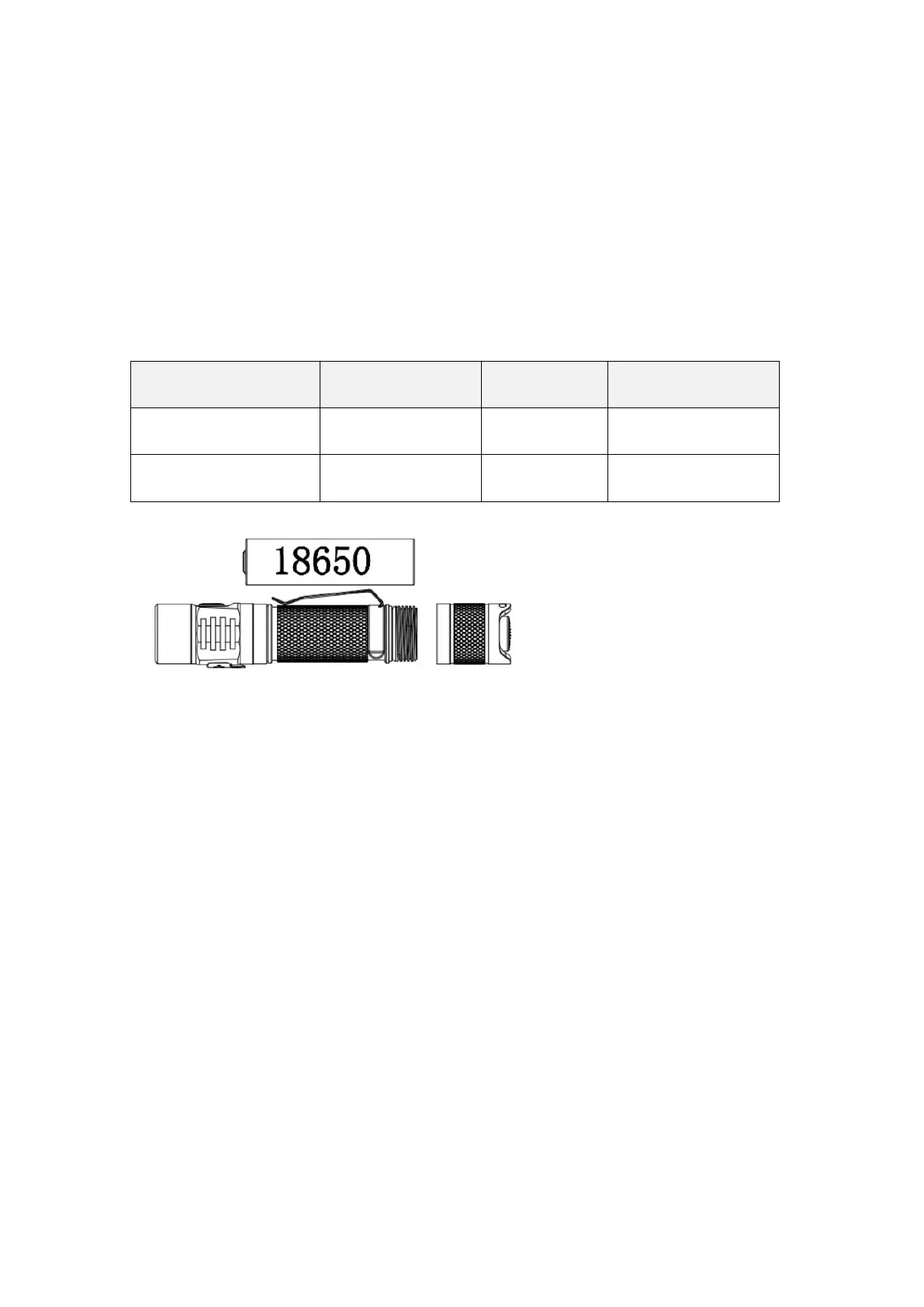
Before using the flashlight, unscrew the tail from the tube, remove the 18650
battery (if supplied) and remove the insulating plates on the battery’s poles. Reinsert
the battery with the anode side (+) towards the head, then screw the tail back onto
the tube. Make sure to fully charge the 18650 battery before first use. Don’t use
CR123A battery with SC31T. Never charge a non-rechargeable CR123A battery inside
SC31T.
Power Indicator
The LED indicator in the side switch shows the power status for 5 seconds after
turning SC31T on.
Green = remaining battery power is good.
Red = remaining battery power is poor (less than 30%).
Flashing Red = critical power, replace or recharge battery as soon as possible.



 To Next Page