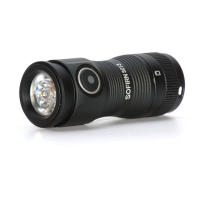
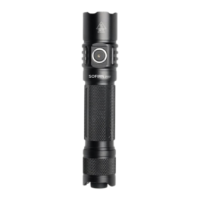
Light Indicator When Charging
Red = Charging
Green = Fully Charged
General Operation
ON/OFF: Tap the primary switch to momentarily turn on the light (enter the last used
mode) and release it the light will go out. Or fully press the primary switch to
constantly turn on the light (enter the last used mode) and fully press again to turn off
the light.
CHANGE BRIGHTNESS LEVEL: When the light is on, single click the mode
switch to cycle through: Eco→Low→Medium→High→Turbo. Or double-click the
mode switch to access to Strobe. Then double-click again to cycle through:
SOS→Beacon→Strobe. Single-click to back to lighting mode.
DIRECT ACCESS TO STROBE MODE: When the light is off, press the mode
switch to activate Strobe mode and release to turn it off.
FAQ
Q1:why the flashlight only works while plugged in?
A1: Please unscrew the tail cap and remove the insolating paper, screw the tail cap
back on and try again.
Q2:Does it accept C-C charging cable?
A2: Yes, but C-C charging cable is not included. Please know that some charging
cables have fat typeC which won't fit the SF26 charging port.
Q3:It gets hot quickly, is it normal?
A3: Yes, powerful flashlights heat up easily which is normal.


 To Next Page