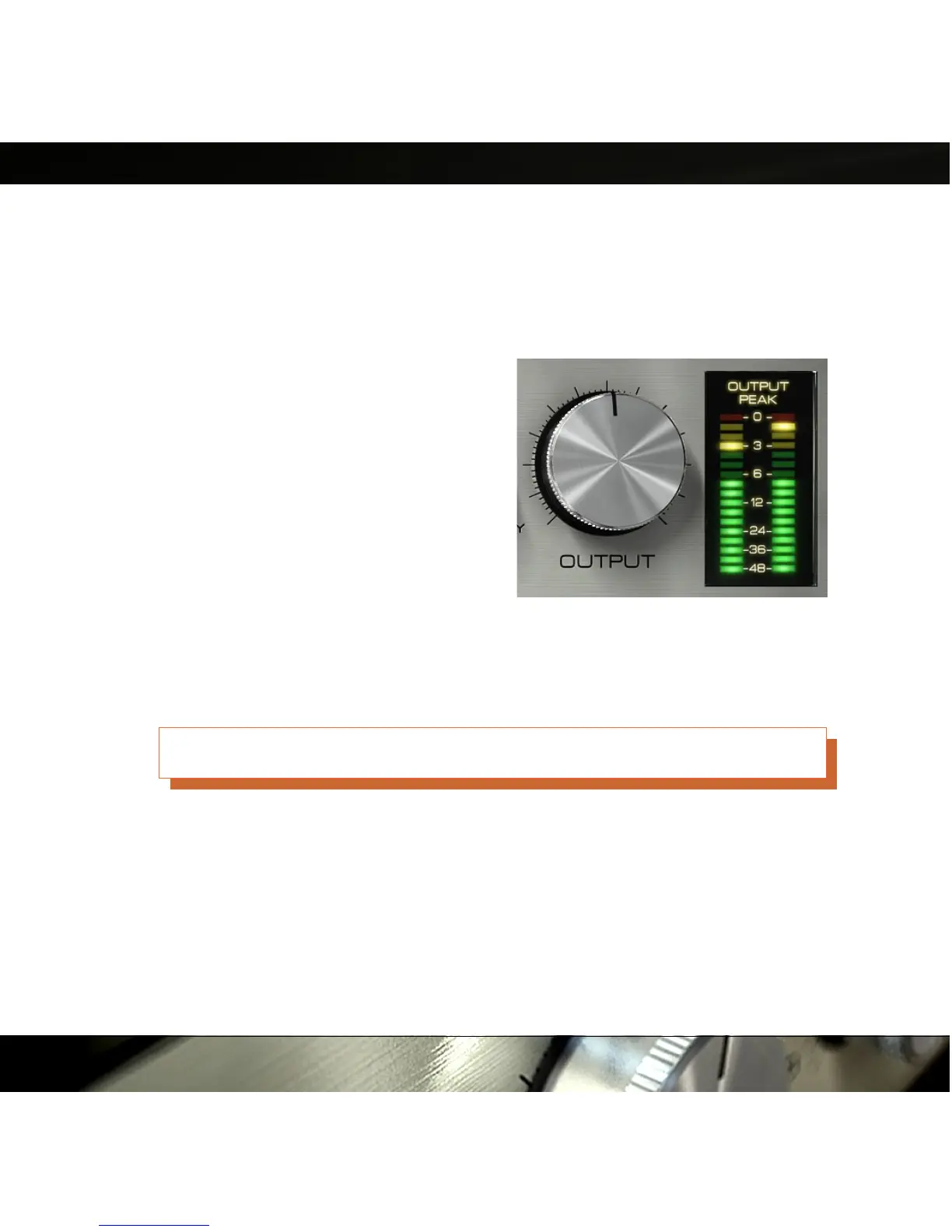
Output
In comparison to the Input knob, the Output knob doesn't do much more than just
adjusting the output volume. Keep a close look on the O U T P U T P E A K meter while
adjusting the output volume to avoid unwanted digital clipping. It is good practice to keep
the levels below 0 dB, even if you are using a
(native) host that allows level above 0 dB. On
TDM, the plug-in will digitally clip all signals
above 0 dB on the output.
Output Peak Meter
The output peak meter is a fast peak meter
with hold values. Single peak values up in the
reds (at 0 dB) are okay, but don't push it. This
meter will display the left and right channel on
the left and right meter if you use the plug-in
in S T E R E O mode, otherwise it'll just show the same M O N O signal on both meters.
Keep the output levels below 0 dB!
13
Figure 8: Output knob and output
meter.


 To Next Page