Controls Summary
The knobs are controlled by either dragging Left-Right or Up-Down, or by using the mouse-
wheel.
Mouse
• Up/Down: Increase/Decrease the setting of a knob/switch
• Left/Right: Increase/Decrease the setting of a knob/switch
• Mouse wheel (Mac OS X only): Increase/Decrease the setting of a
knob/switch
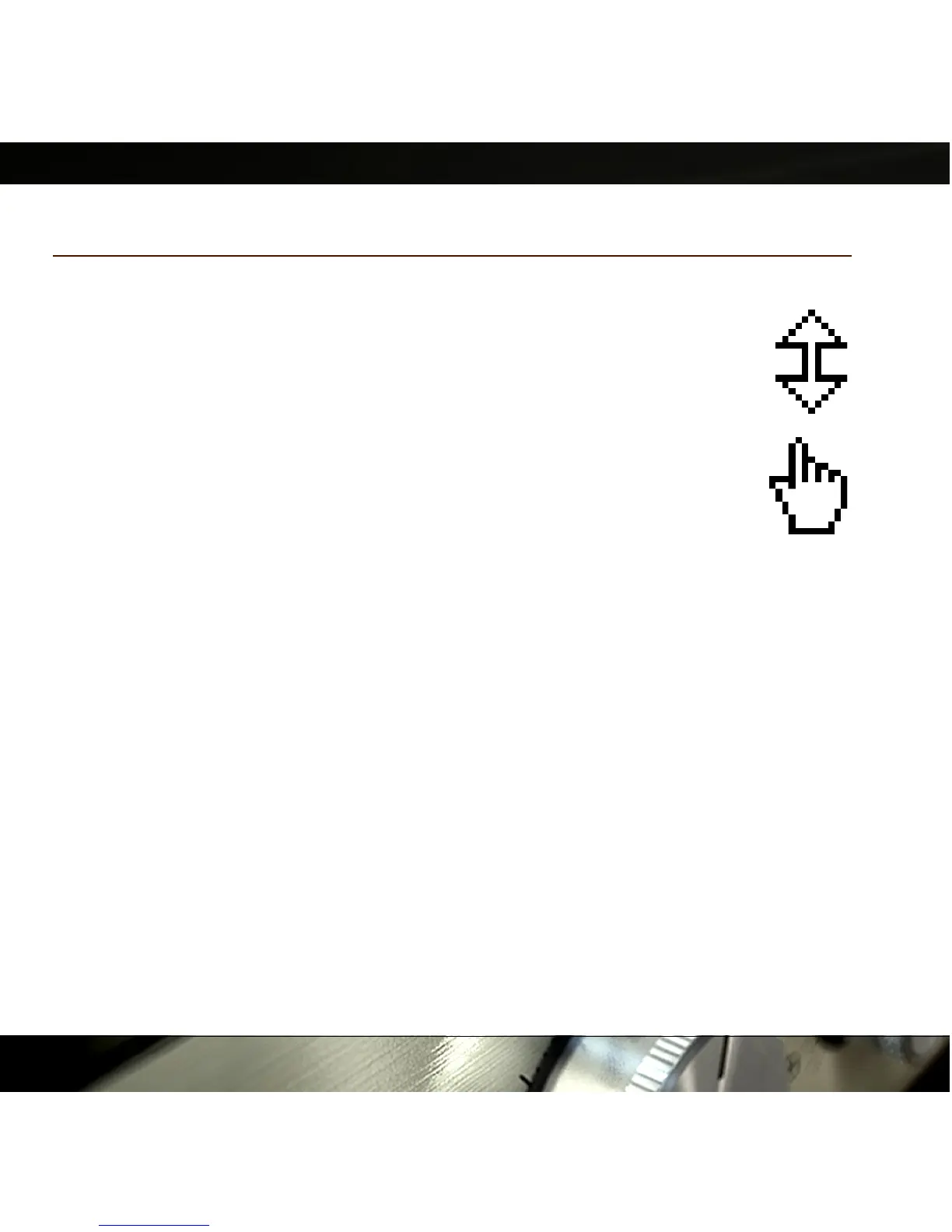
Pointing over a label will make the cursor change to a “pointing hand”
cursor. Clicking the label will make the knob to immediately move to the
corresponding position.
Keyboard Commands
Use these key commands while changing a parameter.
• Fine Adjust: Command (Mac) or Ctrl (Windows)
• Reset to Default: Alt
• Automation Control Window (Pro Tools only):
Ctrl+Command+Alt+click (Mac) or Ctrl+Windows+Alt+click
(Windows)
• Show Automation Track (Pro Tools only): Ctrl+Command+click (Mac) or
Ctrl+Windows+click (Windows)
20
Figure 16: Top:
Click-and-drag
cursor. Bottom:
Label-click cursor.


 To Next Page