Operation manual of solar water controller SR530C8/SR530C8Q
---------------------------------------------------------------------------------------------------------------------------------------------------
- 33 -
------------------------------------------------------------------------------------------------------------------
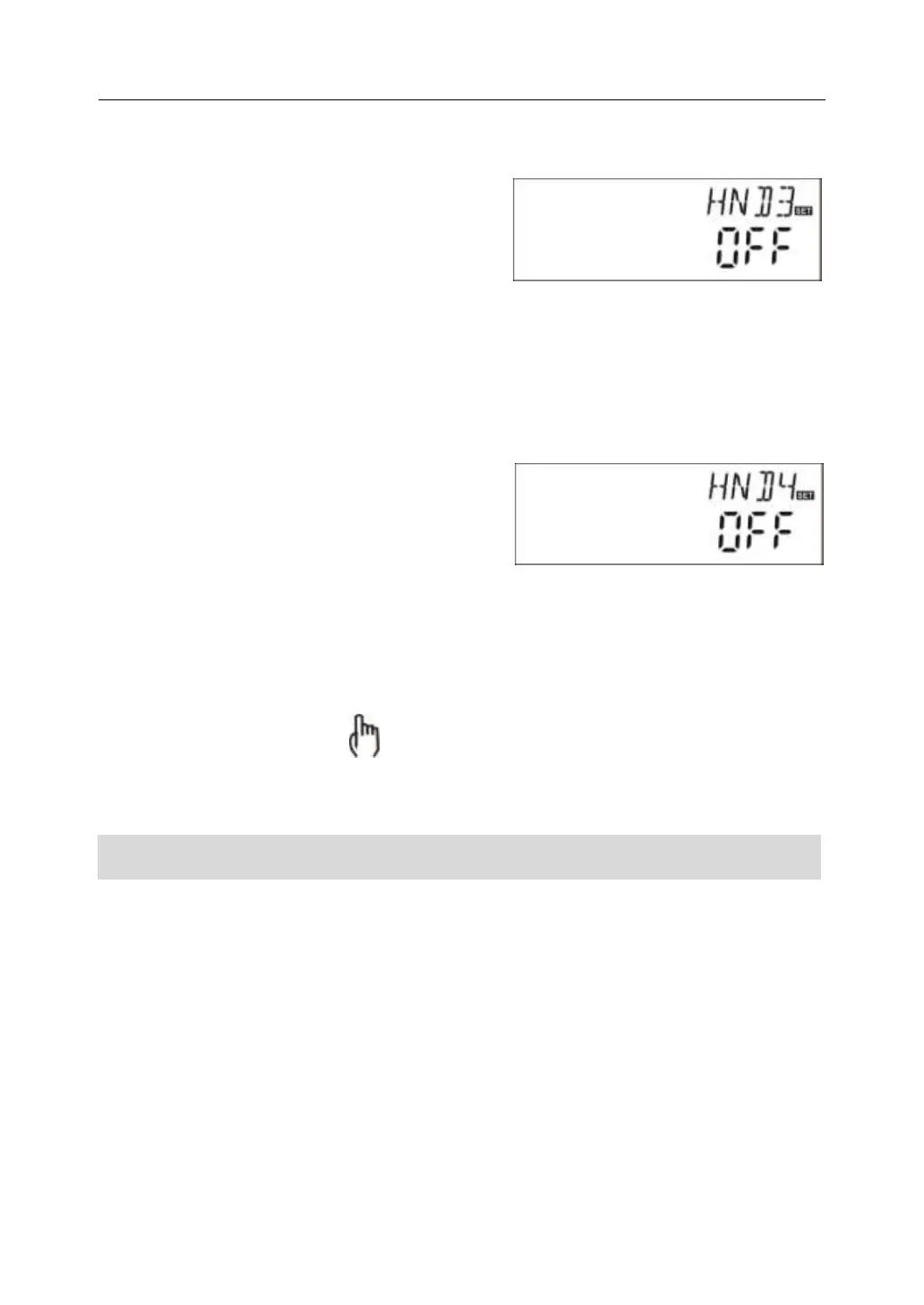
►Press “+” button, “HND3 off” displays on the
screen, R3 output manually set
►Press “SET” button, “HND3 on” displays on
the screen, R3 output is switched-on
►Repress “SET” again, “HND3 off” displays,
R3 output is switched-off
►Press “ESC” to exit R3 set program
-------------------------------------------------------------------------------------------------------------------
►Press “+” button, “HND4 off” displays on the
screen, R4 output manually set
►Press “SET” button, “HND4 on” displays on
the screen, R4 output is switched-on
►Repress “SET” again, “HND4 off” displays,
R4 output is switched-off
►Press “ESC” to exit R4 set program
------------------------------------------------------------------------------------------------------------------
Note: when manual mode is activated,signal displays on the screen, after 15
minutes all outputs are switched-off, controller exits manual mode automatically.
4.8 PASS Password setting
Setup steps:
To access main menu PASS,
►Press “SET” button, “PWDC 0000”, the left digital blinks, ask for to enter the
password, factory set is “0000”
►Press “+”“-” button to enter the first digital
►Repress “SET” button, the second digital blinks
►Press “+”“-” button to enter the second digital


 To Next Page