Operation manual of solar water controller SR530C8/SR530C8Q
---------------------------------------------------------------------------------------------------------------------------------------------------
- 8 -
close to 230 volt or 400-volt cables (minimum separation of 100mm)
If external inductive effects are existed, e.g. from heavy current cables, overhead train
cables, transformer substations, radio and television devices, amateur radio stations,
microwave devices etc, then the cables to the sensors must be adequately shielded.
Sensor cables may be extended to a maximum length of ca. 100 meter, when cable’s
length is up to 50m, and then 0.75mm
2
cable should be used. When cable’s length is up
to 100m, and then 1.5mm
2
cable should be used.
Output ports
Output R1:For solar circuit pump, semiconductor relay (SCR relay), also suitable for
RMP control, max. switching current 1A,
Output R2:for hot water circuit pump, electromagnetic relay, and max. switching
current 3.5A,
R2 ports are always open,
Output R3:for by-pass circuit pump or valve, electromagnetic relay, max. switching
current 3.5A, R3 ports are always open,
Output H1:for back-up electrical heater, electromagnetic relay, and max. switching
current 10A, H1 connection ports are always open.
3. Commissioning
Connect the sensors, pumps or switching valves to the controller before you
connect the power supply!
After switching on power to the controller, firstly it will ask for to set the time, password
and parameters of system.
3.1 Set time/week
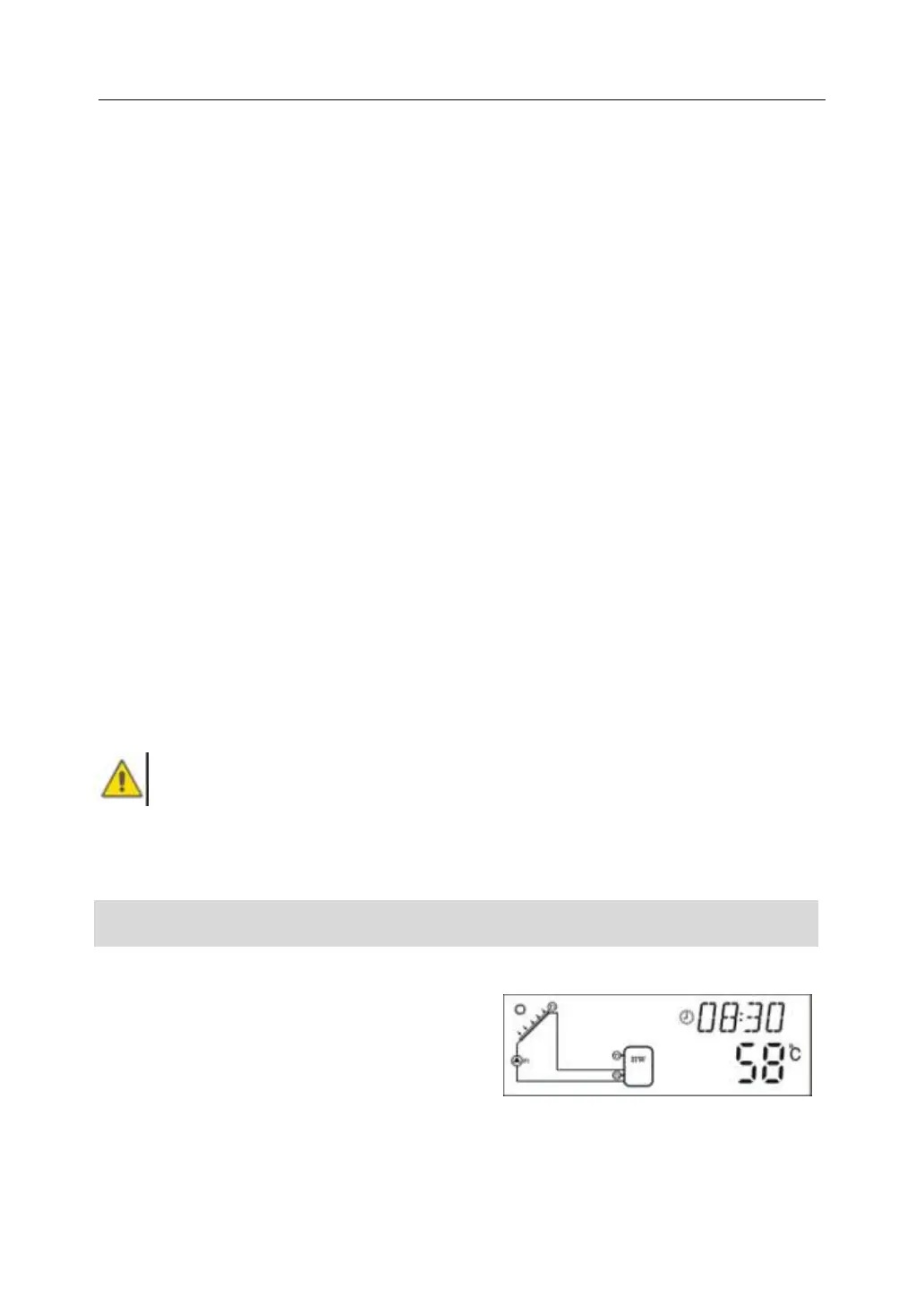
►Press “Clock” button, time displays on screen, hour selection area “00” blinks on
display screen.
►Press “+”“-” button to set hour of clock
►Press “Clock” button again, minute
area“00”blinks
►Press “+”“-” button to set minute of clock.
►Press “Clock” again, week area “MO” blinks


 To Next Page