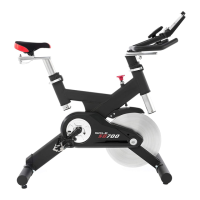
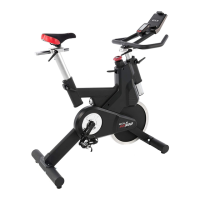
LCB FITNESS BIKE
14
A message about Calories: Calorie readings on every piece of exercise equipment, whether it is in a gym or
at home, are not accurate and tend to vary widely. They are meant only as a guide to monitor your progress
from workout to workout. The only way to measure your calorie burn accurately as in a clinical setting
connected to a host of machines. This is because every person is different and burns calories at a different rate.
ENTERING A PROGRAM AND CHANGING SETTINGS
Press each program button to scroll through the program selections. The profile for each program
will be displayed in the window. Press the Enter key to select a program and begin customizing the
settings. If you want to workout without entering new settings, then just press the Start key. This will
bypass the programming of data and take you directly to the start of your workout. If you want to
change the personal settings, then just follow the instructions in the Window. If you start a program
without changing the settings, the default settings will be used.
Note: Age and Weight default settings will change when you enter a new number. So the last Age and Weight entered will be
saved as the new default settings. If you enter Age and Weight the first time you use the bikel you will not have to enter it every
time you work out unless either Age or Weight has changed or someone else enters a different Age and Weight.



 To Next Page