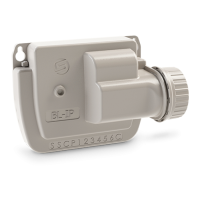
13
PAIRING
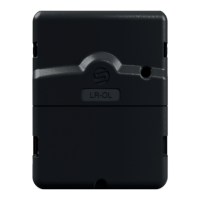
1. Remove the lower hatch from the LR-OL to reveal the terminal block.
3. Start the MySOLEM app from your smartphone and/or tablet.
Step 2
2. Plug in the 220V/24Vac power supply provided.
5. Choose the LR-OL from the list of available controllers.
7. Follow the steps described on the app to complete combinaon of your
LR-OL.
6. (Oponal) Set a name and security key for your controller and press the
«Validate» buon.
Note: To idenfy your LR-OL among the nearby controllers available, refer to
the «Default name» present on its label on the back of the product.
4. Press the «Add a Controller» buon or the «+» buon.
Security key
The security key allows to protect your controller. You can dene it during the
step 6 of the «ASSOCIATION» or access to further informaon by clicking on
the icon at the top right of your screen.


 To Next Page