14
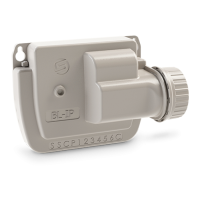
LR-MB PAIRING
Step 3
To opmize the LoRa
TM
connecon between the LR-MB10/30 and the LR-OL,
test the LoRa connecon by following steps 6 and 7. It is advisable to combine
all your LR-OL near the LR-MB before installing them separately.
2. Tap the icon at the top right of your screen to access
product informaon.
4. Select the LR-MB10/30 relay you want to use.
7. Press the buon to start the test.
3. Tap «Remote Access».
6. Go back to «Remote access» screen of LR-OL, previously seen.
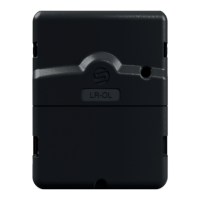
1. Select the previously installed LR-OL controller.
5. Validate the operaon by pressing the «Send» buon
or at the boom of your screen.
Once the combinaon is complete, you can test the connecon between your
LR-MB10/30 and your LR-OL:
Note:
- The «Established Connecon» message indicates that the connecon is
reliable.
- The message «No established connecon» indicates that it is necessary
bring your LR-OL closer to the LR-MB10/30 or inversely.


 To Next Page