15
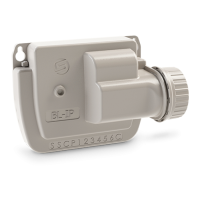
ASSOCIATION LR-BST
1. On the app, select your LR-BST, and switch to pairing mode
3. Tap the icon at the top right of your screen to access product informa-
on.
4. Press «Remote Access».
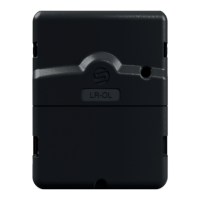
2. Select the previously installed LR-OL controller.
5. Select the original LR-BST from the list.
7. Click on the buon to start the test.
6. Go back to «Remote access» screen of LR-OL, previously seen.
Once the combinaon is complete, you can test the connecon between your
LR-BST and your LR-OL


 To Next Page