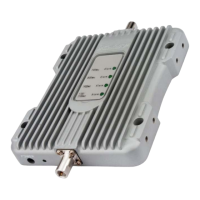
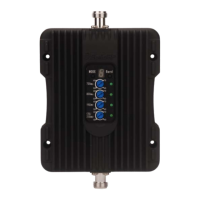
12
3.Connecttheindoorantennatothe
“INSIDE”portonthebooster.
4.Pluginthepoweradaptorandconnect
ittothenearestpoweroutlet.
2.Connectthecableto“OUTSIDE”port
onthebooster.
CorrectPanelLights‐Self‐test
PowerOn
Flashoncetime
Step4:ConnecttheSystem
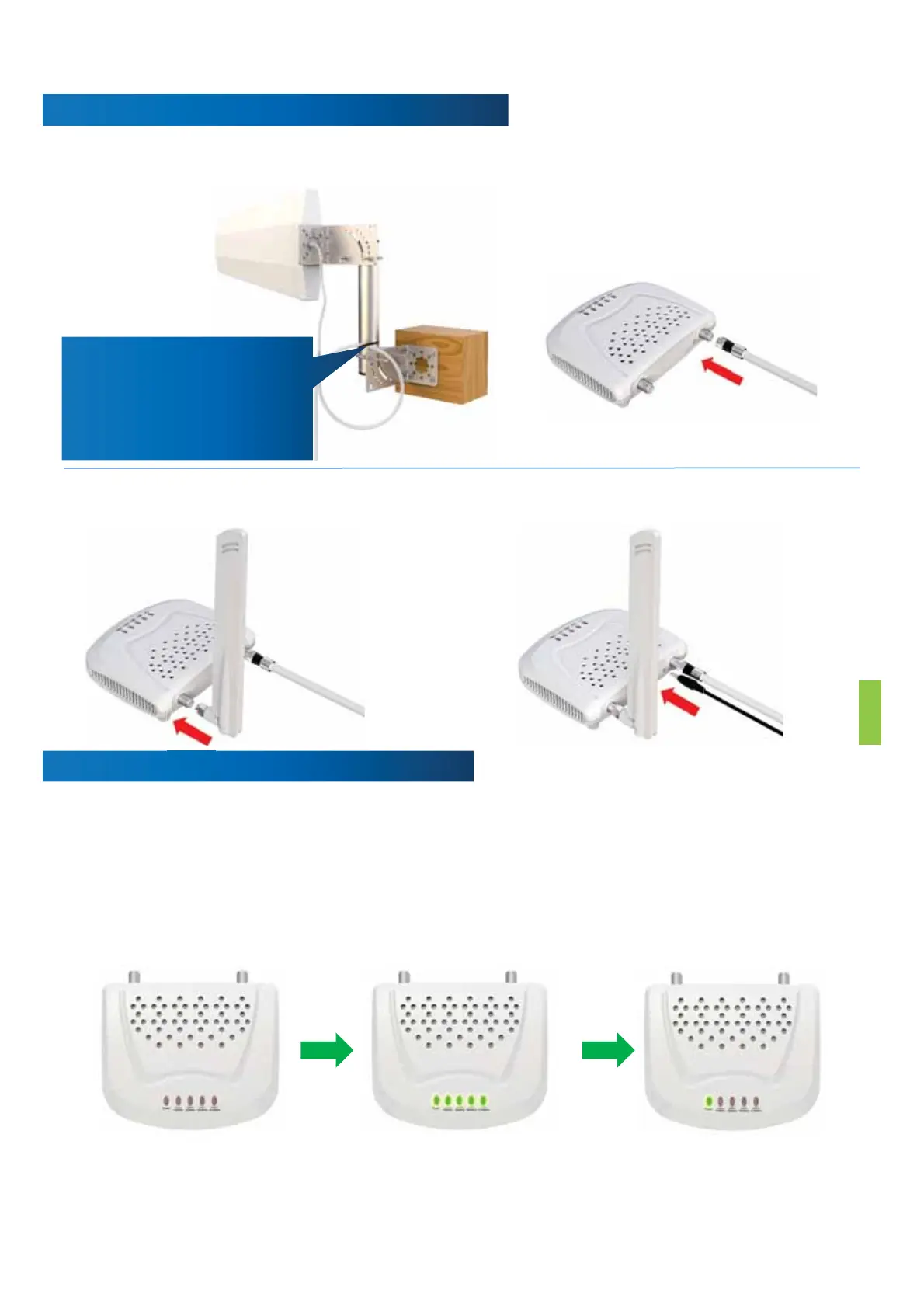
1.Connecttheoutsideantennatothe60
feetRG6cable,Securethecablenearthe
antenna.
Gooff
Securethe cablenearthe
antennatopreventcable
damagecausedbywind
shaking
Theindicatorlightonthefrontpanelindicatesthestatusofthebooster.Everytimethe
boosteristurnedon,alltheindicatorswillturngreenforabout1secondandthengo
off.Thismeansthattheboosterhaspassedtheself‐testandisingoodcondition.Ifyou
canseeanyflashorsolidgreen,thatmeanstheseparationisnotenoughorthe
outdoorantennaisfacingtheindoorantenna.Pleasegoto“TroubleShooting”onpage
17fordetailinformation.


 To Next Page