17
TroubleShooting:NormalWorkingStatusIndicator
DCPowerIndicatorCorrectfunctioning:
• PowerLightshouldbesolidgreenafter
poweredon.
TroubleShooting:NoPower LightOn
DCPowerIndicatorOff
• Pleasecheckyouroutlet,makesureitis
normal;
• Contactusthroughemailorphonecall
forreplacement;
The LEDwilllightupafter
poweron.
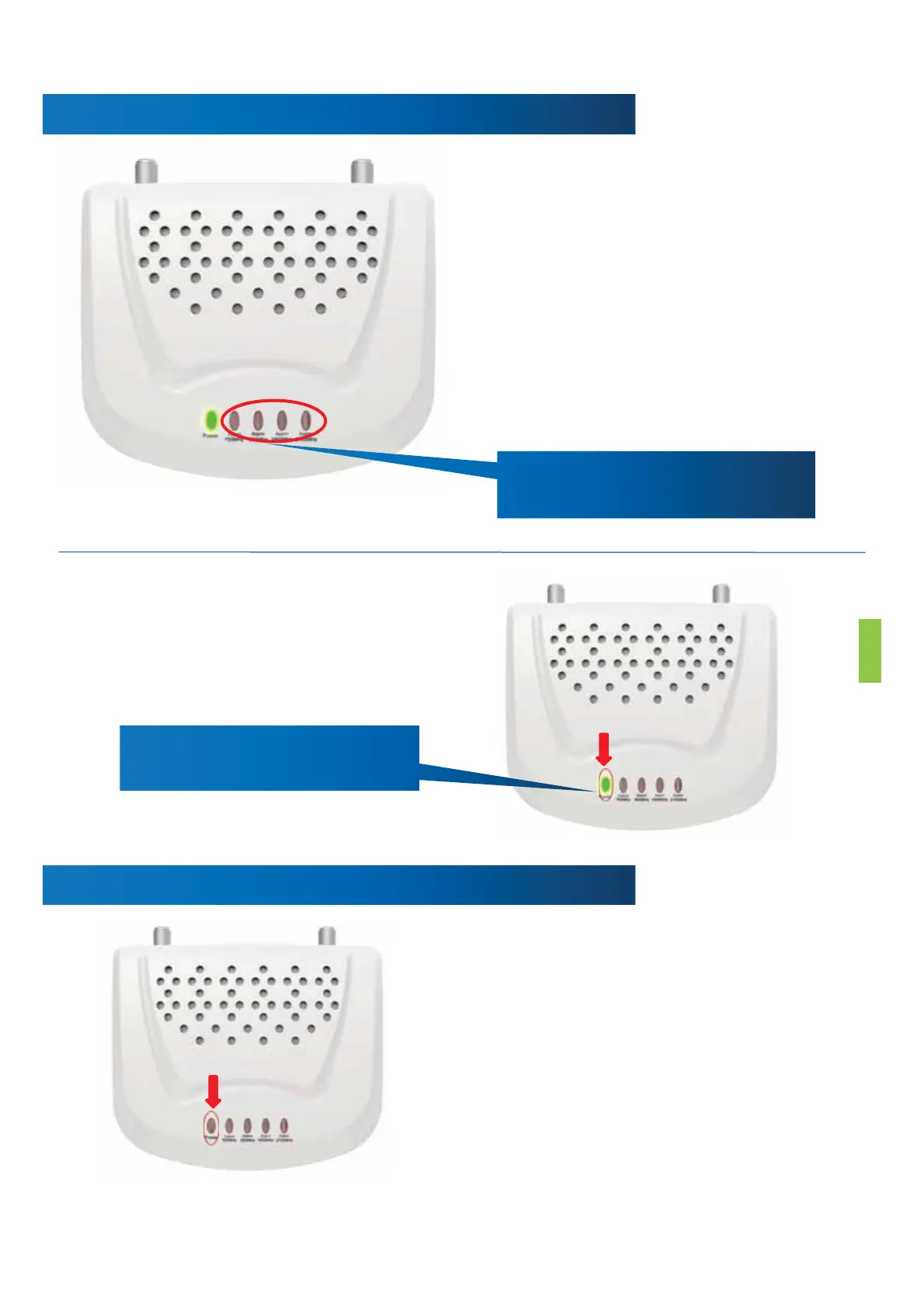
Allthealarmlightsshould
remainoffduringoperation.
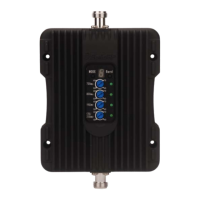
PanelindicatorCorrectfunctioning:
• Theindicatorlightsonthefrontpanel
indicatethestatusofeachbandof
thebooster.Everytimethepoweris
turnedon,alltheindicatorswillturn
greenforabout1secondandthengo
off.Thismeansthattheboosterhas
passedtheself‐testandisingood
condition.Whenthereisnoproblem
withthesystem,theindicator
remainsoffduringoperation.


 To Next Page