Step4:Findyourcelltower
Clicktheredorgreendotonthemapthatrepresentsthebasestation,andthedetailed
informationofthebasestationwillbedisplayed.
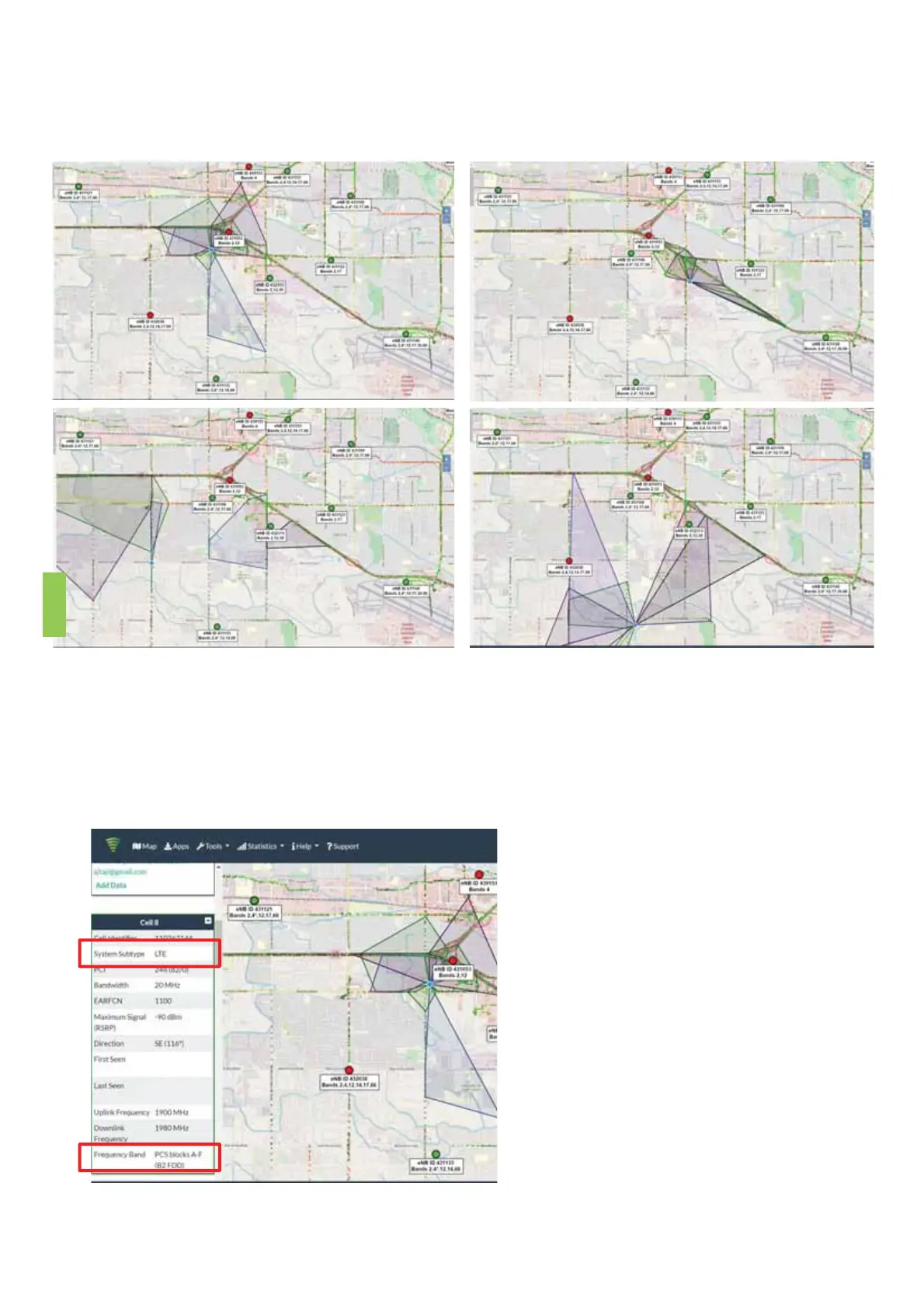
• Thefirstimportantinformation,youcanseefromtheabovefourpictures,the
coveragearea(shadedpart)ofeachbasestationisdifferent.Youhavetofindabase
stationwithsignalcoveragetoyourhouse,orthecoveragedirectionisfacingyou,
andthecoverageareaisclosesttoyou.
• Thesecondimportantinformation,
youcanscrolltheinformation
contentonthelefttofindthe
specificcarrierinformationofthis
basestation,includingthe
communicationstandardand
frequencyband.Pleasereference
theleftpicture,“LTE”and“B2
FDD”(Band2,FDD).
6


 To Next Page