13
Note
To get a quick fix, please take the Geotagger Pro and your camera to an open outside space and stand
still.
If there is no blinking GPS icon in the control panel, check the connection, and make sure the switch is
in the correct position.
To get the GPS data more accurate, we suggest holding the camera steady for a few minutes when
the Pro is just being fixed, that is especially important for the value of altitude.
Some of the Nikon camera has an “auto meter off” option that is also a power saving method. We
suggest adjusting it to 30 seconds or more to avoid missing the GPS data, or half press the shutter to
activate the GPS when taking a photo.
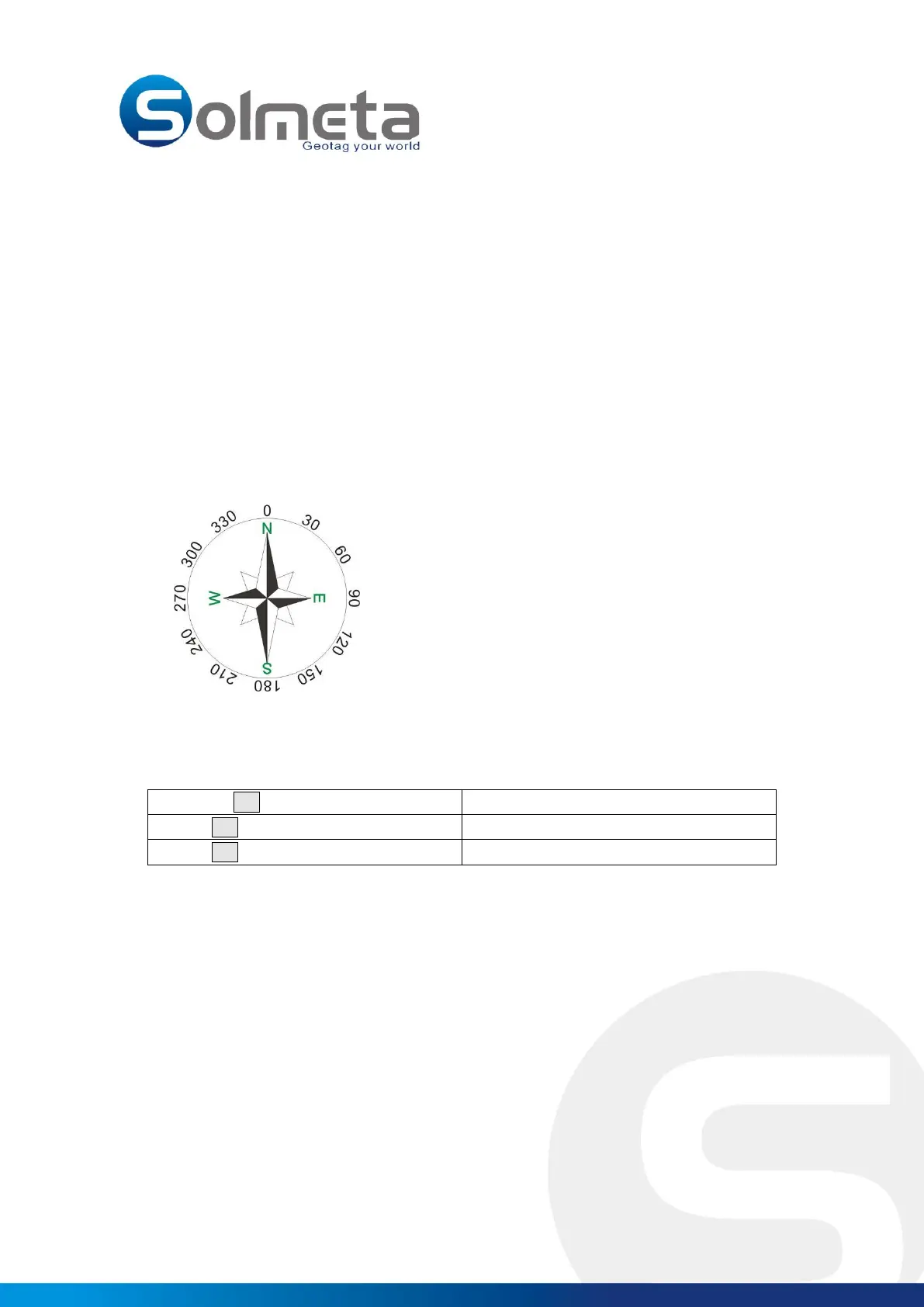
Heading/Compass for Nikon
0° - North
90° - East
180° - South
270° - West
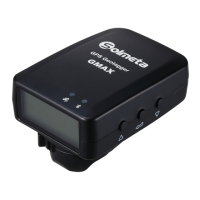
For proper heading information, the Geotagger Pro should be mounted on the flash shoe of the
camera. It points to the same direction as the lens which is mounted on the camera.
Not connected to the camera
Not fixed, signal searching



 To Next Page