18 PROFILE, STATS & SETTINGS
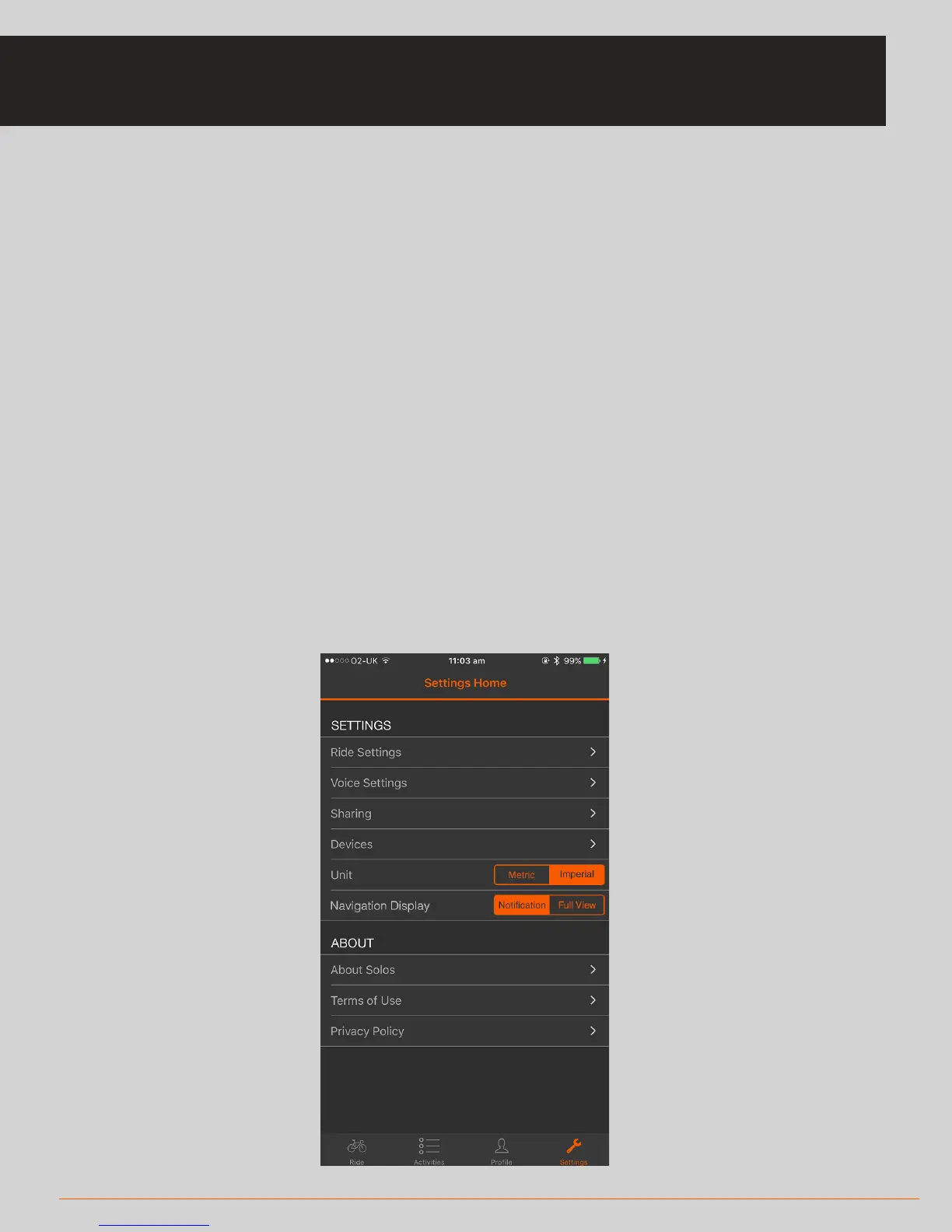
• In Settings you can control various elements of your experience:
* Enable/Disable GPS usage
* Manage the connection to your SOLOS headset and sensors
• Control your ride/run settings (such as which metrics you want to see during your
activity, setting targets to meet and the frequency at which the display updates)
* Go to ‘Active Metrics’ to enable/disable various metric formats on the
headset during your activity
• Control your voice settings (managing voice updates during the activity)
* You can configure the frequency of voice updates
* You can also configure your audio experience for target metrics
• Managing your sharing platforms
• Setting the system to use metric or imperial measures
• Navigation settings
SETTINGS



 To Next Page