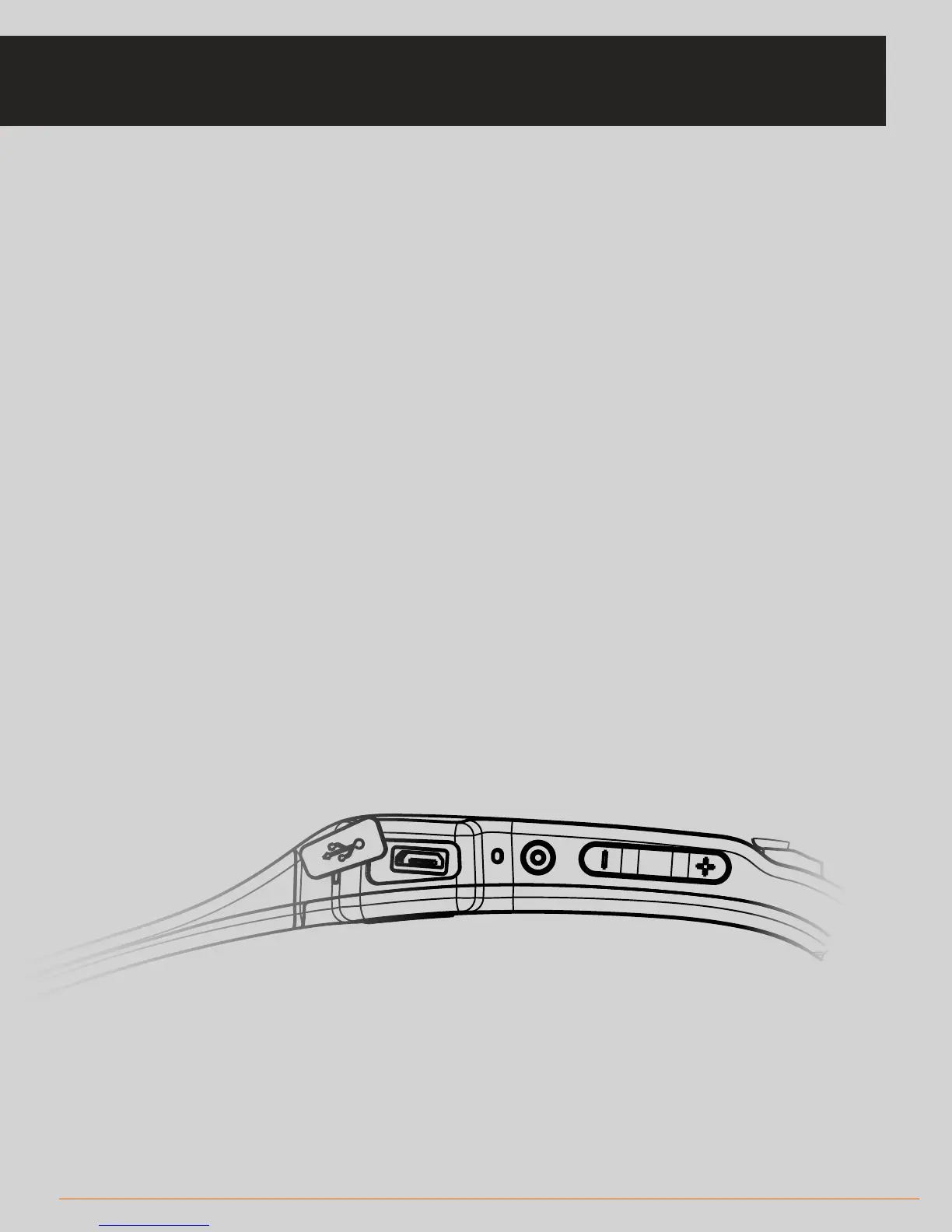
If you find you’re having diculties connecting your headset then this
troubleshooting guide will allow you to reset and recover the connection:
• Firstly, restart your headset.
* Switch it o by holding down the main button for approximately 5 seconds,
wait a few seconds, and then press the main button again
* Once the unit says “hello”, press and hold the ‘minus’ button on your
headset for about a second to remove the previous paired device(s).
* Your SOLOS unit will go into ‘pairing mode’, meaning that it will cycle three
screens with one showing the unit ID (for example SOLOS_##:##:##)
* You may now follow the normal pairing instructions in the app to reconnect
your headset
* Also go to your Settings > Devices and tap on Forget Headset to forget your
Solos device before repairing.
28 TROUBLESHOOTING
TROUBLESHOOTING: HEADSET CONNECTION



 To Next Page