26 NAVIGATION
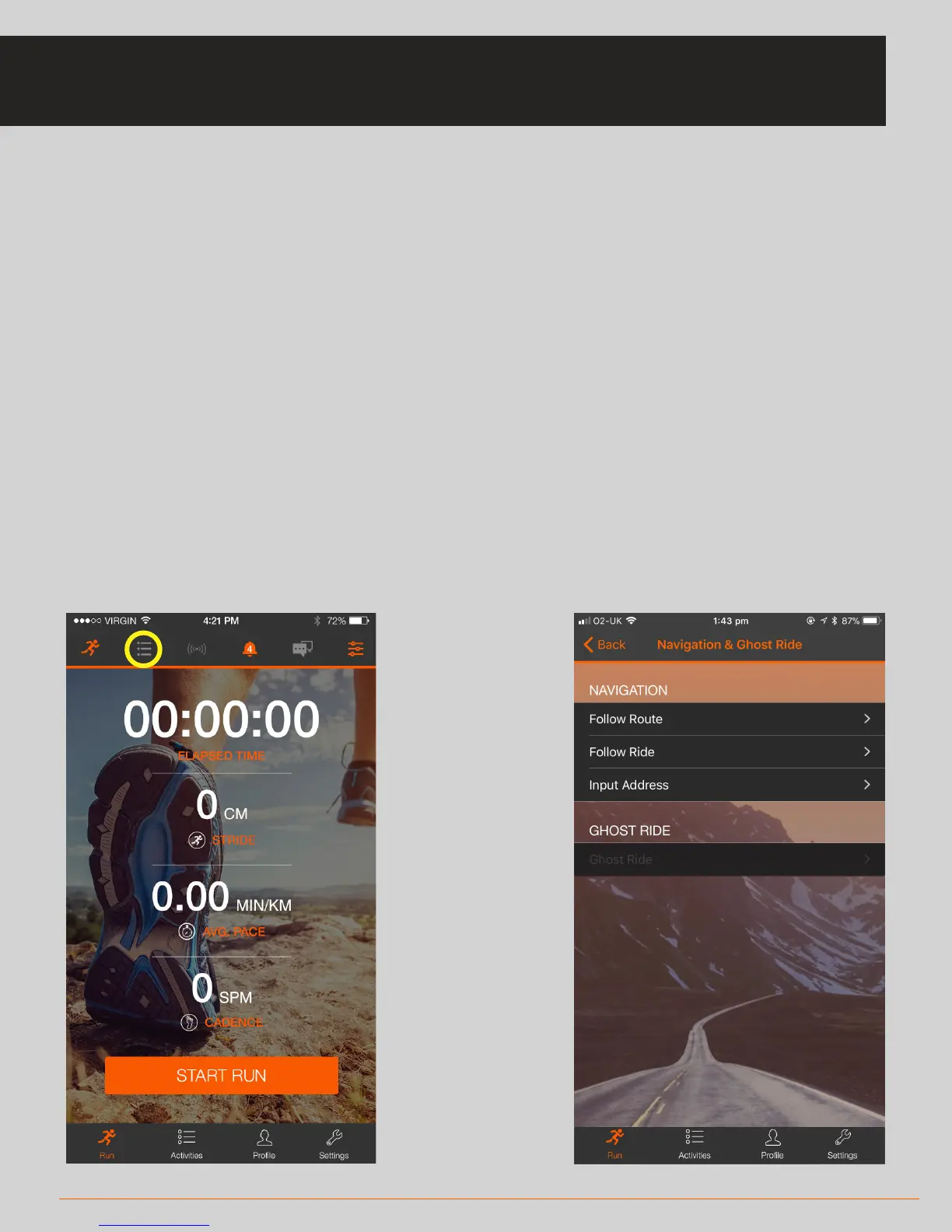
• To access Navigation mode, click on the list icon (highlighted below).
• You can select from three navigation options:
* Enter Address – enter an address to reach using navigation
* Follow Route – follow a saved route
* Follow Ride – follow a previously completed ride (repeat ride route)
• After you have selected your navigation mode and proceeded through the
instructions, you will see an orange navigation icon where the menu icon is to
indicate that navigation is active
• During live navigation, the system will prompt you when a turn is approaching
and the severity of the turn. In address-based navigation mode, the system will
provide street names
NAVIGATION



 To Next Page