Note: Group Communication requires your phone to have a data
connection to the cloud (mobile data or Wi-Fi)
21 GROUP COMMUNICATION
• Group Communication allows up to ten users to simultaneously connect to a
group chat session and speak in real-time
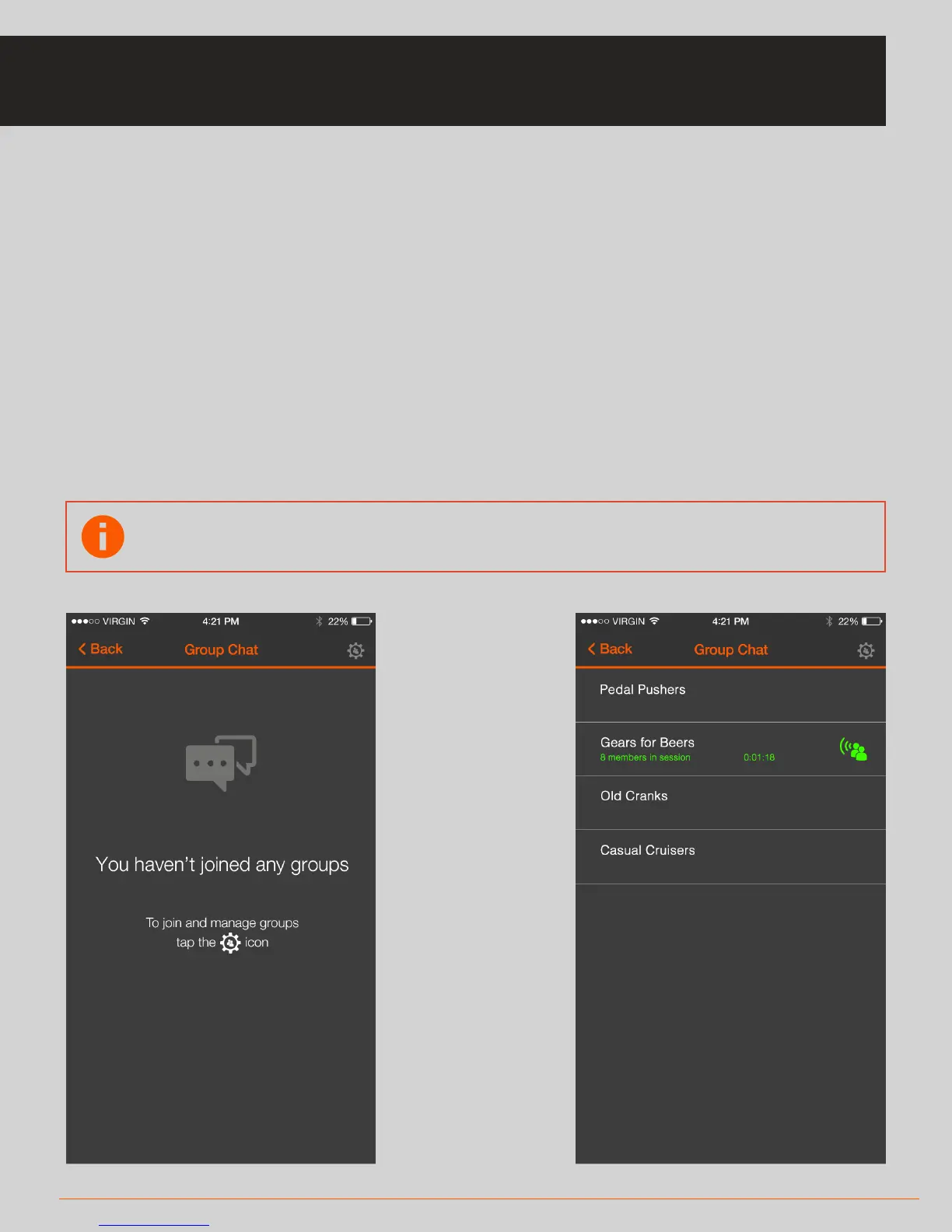
• When you enter the Group Chat screen you will see your list of available groups
• You can manage your groups by pressing the settings icon on the top right hand
corner
• When you select a group, the app will connect to that group automatically (two
or more users need to be in the group to hear any audio)
• You can press the main SOLOS headset button or double-tap the right side of
your unit to enable/disable your microphones (to mute/unmute your channel)
GROUP COMMUNICATION



 To Next Page