Note: Only the Group Owner can change group settings
22 GROUP COMMUNICATION
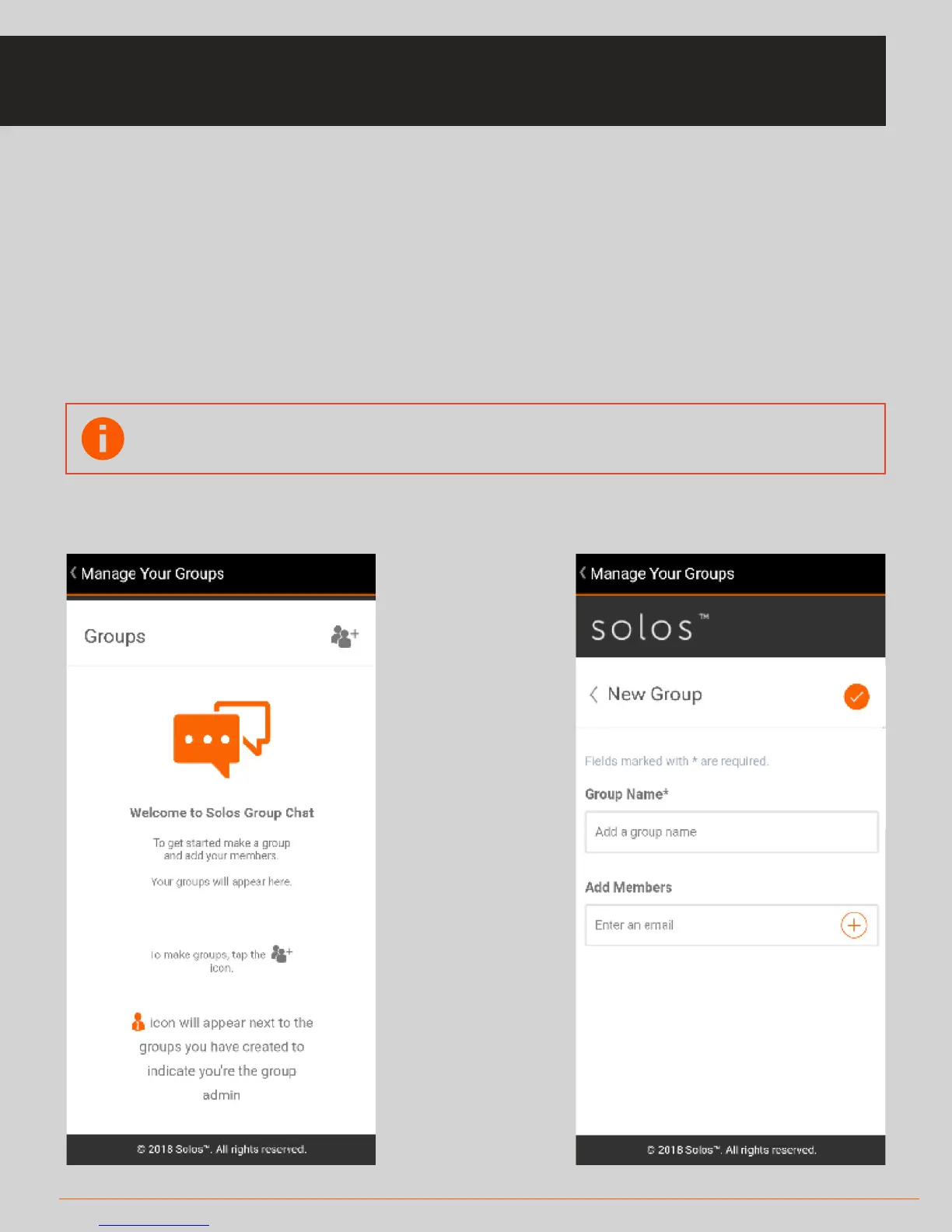
• When you enter the Manage Groups screen, you will see a list of the groups you
are a member of.
• You can add a new group by clicking on the icon
* Give the group a name.
* Add members to your new group by entering their registered email address.
GROUP COMMUNICATION: MANAGE GROUPS



 To Next Page