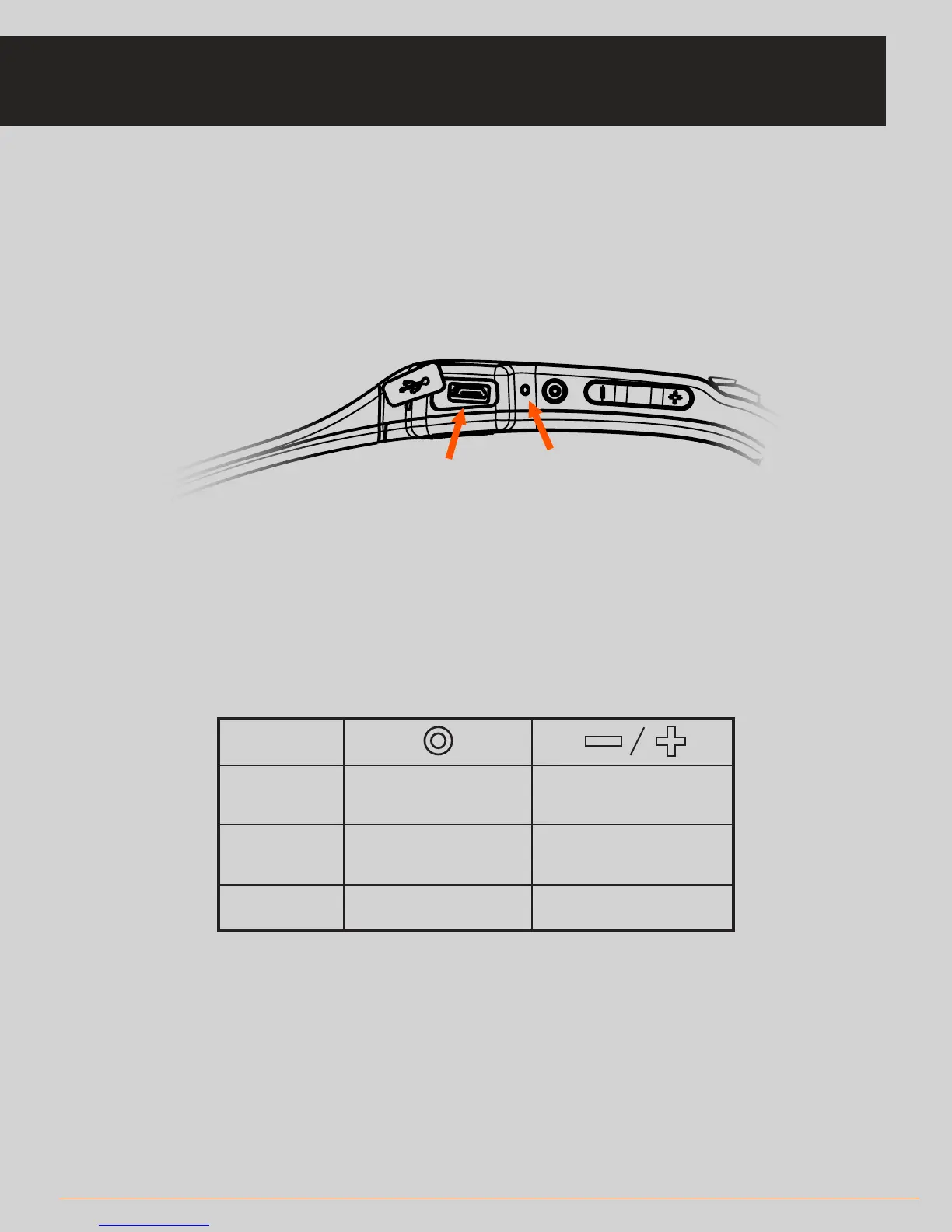
Charge the unit by plugging the micro-USB cable into the USB slot
• The LED will flash green when the unit is charging
• The LED will be solid green when the unit is fully charged
• Your SOLOS unit will be charged regardless of whether or not it is powered on
when the USB cable is plugged in
Switch on the unit by briefly pressing the main power button
• The green LED will illuminate to indicate it has powered on
• Your SOLOS will also say “Hello” to confirm it has been powered on
Button Control
Connecting in-ear headphones
• Using the same USB slot, you can connect the in-ear headphones to your Solos unit
Double tap functionality
• During activity, double tap the right temple area of your Solos to activate (or deactivate)
microphones for group-chat communication
3 UNIT SETUP
SOLOS DEVICE
LED INDICATOR
USB SLOT
POWER
On: Single press
O: Hold for >5 seconds
Advance HUD screens
Volume adjustment
Pause / Resume
Answer call / Hang up
IN WORKOUT
IN CALL
N/A



 To Next Page