31 TROUBLESHOOTING
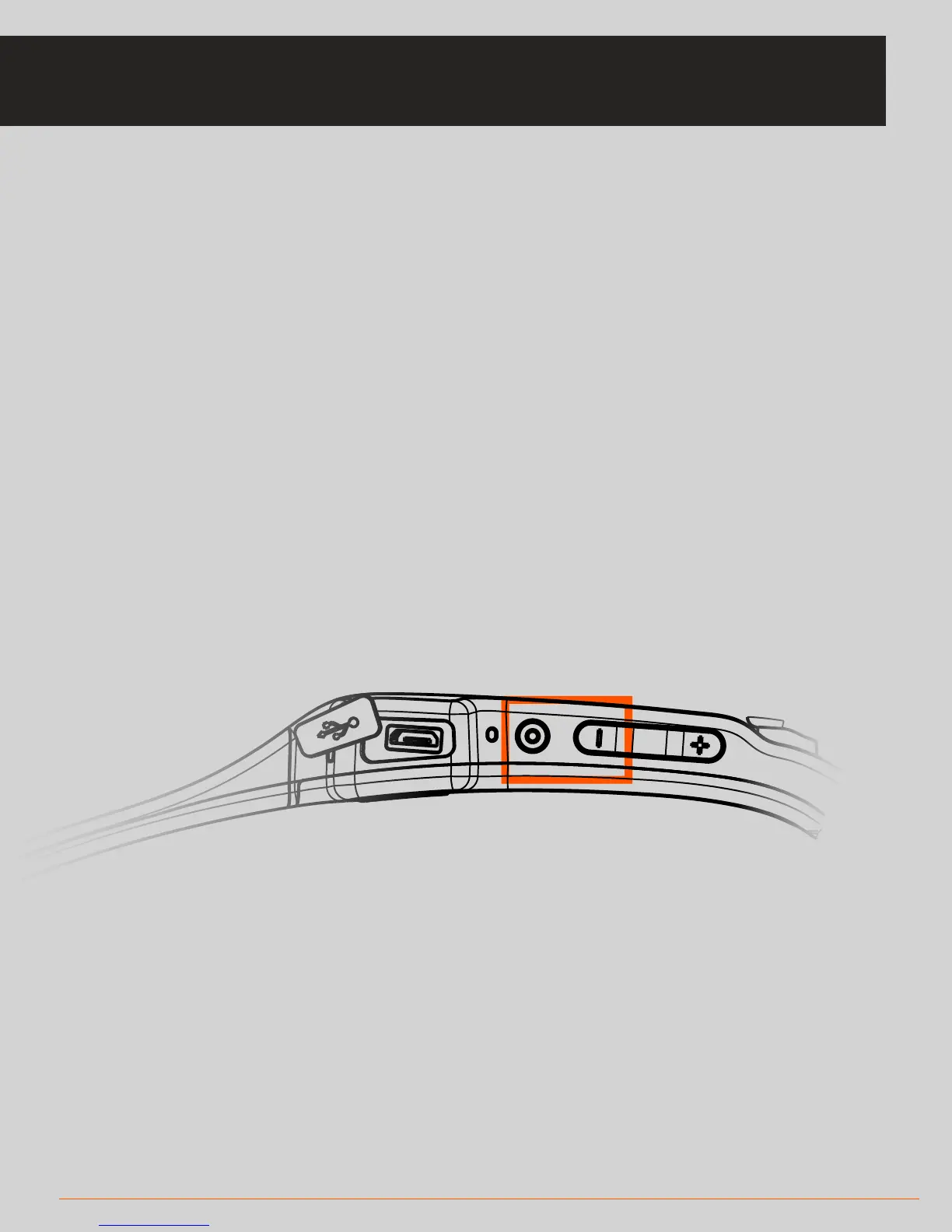
• In the unlikely event that your headset freezes and you are unable to power it
down, you can force recovery of the headset by holding down the Select and
Minus button, highlighted on the image to the right for a approximately five
seconds. The screen will go black and then the SOLOS unit will restart automati-
cally. Reconnect the headset to the phone and continue your ride or run.
• If the SOLOS app closes unexpectedly during a ride or run, your data will be
retained when you restart the app. On start-up, the app will give you the option
to view your lost data and save it (or discard if preferred).
TROUBLESHOOTING: FROZEN HEADSET/APP CRASH



 To Next Page