EasyManua.ls Logo

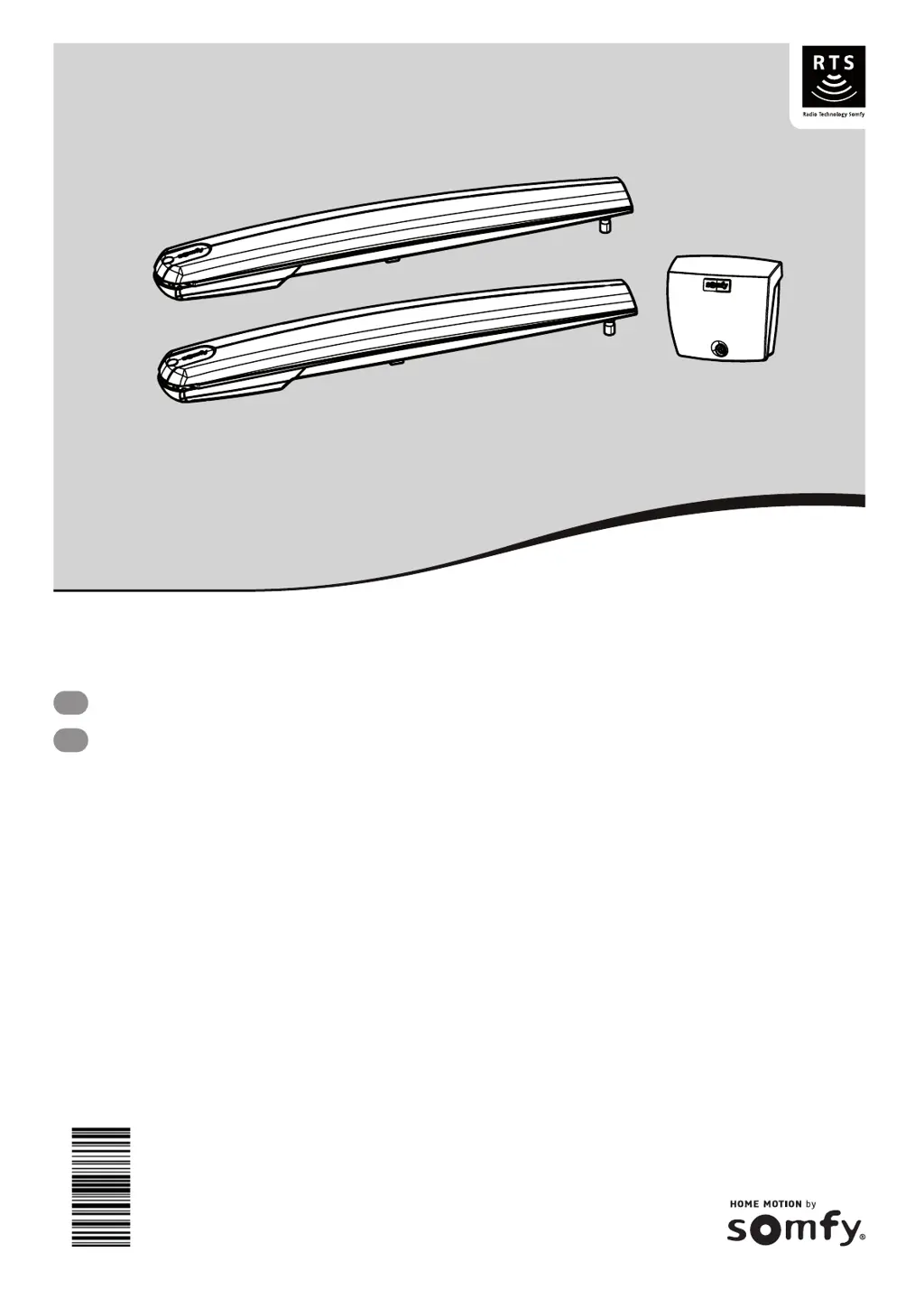
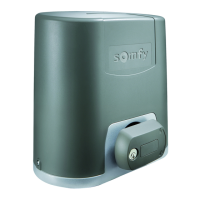
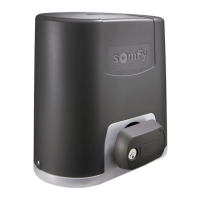
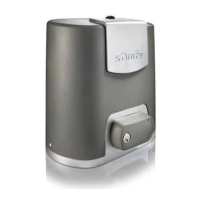
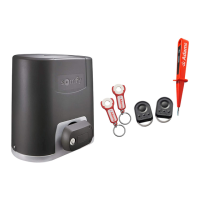
SOMFY EXAVIA 500 - User Manual

SOMFY EXAVIA 500
72 pages
Print Icon
To Next Page IconTo Next Page
Loading...
5073885B
Exavia 500
EN
Operating and installation guide
DE
Montage- und Gebrauchsanleitung

Other manuals for SOMFY EXAVIA 500

Questions and Answers

  • S
    Sara MooreSep 3, 2025
    What does it mean if SOMFY EXAVIA 500 control unit's indicator light flashes 2 times?
    • J
      Jeffrey JonesSep 3, 2025
      If the control unit's indicator light flashes 2 times, the motor is waiting for auto-programming. Begin auto-programming of the gate leaf travel.
  • S
    Scott JacksonSep 18, 2025
    What to do if the SOMFY Garage Door Opener control unit indicator light flashes 5 times?
    • X
      xmooreSep 18, 2025
      If the SOMFY Garage Door Opener control unit's indicator light flashes 5 times, the electronics thermal safety has been activated. Allow the electronics to cool down until the indicator light comes on continuously.
  • J
    Jeremy CoxSep 16, 2025
    Why is the SOMFY Garage Door Opener control unit indicator light flashing 2 times?
    • K
      kristen64Sep 16, 2025
      If the SOMFY Garage Door Opener control unit's indicator light flashes twice, the motor is waiting for auto-programming. Begin auto-programming of the gate leaf travel.
  • S
    Stacy BrownSep 14, 2025
    What does it mean when the SOMFY Garage Door Opener control unit indicator light flashes 4 times?
    • C
      Christopher WhiteSep 14, 2025
      If the SOMFY Garage Door Opener control unit's indicator light flashes 4 times, there is a permanent control on the "START" of the electronic unit. Check the accessories connected to the electronic unit's "START" output.
  • R
    Robert FloresSep 12, 2025
    Why is the SOMFY Garage Door Opener control unit indicator light flashing 1 time?
    • S
      Stephanie AguilarSep 12, 2025
      If the SOMFY Garage Door Opener control unit's indicator light is flashing once, it means the system is running on the backup battery. Check the mains power supply.
  • T
    Thomas MurphySep 12, 2025
    What does it mean when the SOMFY Garage Door Opener control unit indicator light flashes 6 times?
    • K
      kellybrandonSep 12, 2025
      If the SOMFY Garage Door Opener control unit's indicator light flashes 6 times, it indicates a short circuit. This could be in the electronics unit's BUS output, the 24 V output, or the orange light output. Check the accessories connected to these outputs. It could also indicate a motor short circuit, so check the motor wiring.
  • T
    Toni NorrisSep 9, 2025
    Why does the SOMFY Garage Door Opener control unit indicator light flash 3 times?
    • J
      Jack FischerSep 9, 2025
      If the SOMFY Garage Door Opener control unit's indicator light flashes 3 times, it indicates a problem with the photoelectric cells. Ensure that nothing is obstructing the cells and that they are correctly aligned. Also, check the cell wiring. If the cells are deliberately disconnected, perform the procedure “Deactivating automatic closing - returning to standard operation”.
  • H
    Haley MedinaSep 7, 2025
    What to do if the SOMFY Garage Door Opener control unit indicator light is off?
    • A
      andrew42Sep 7, 2025
      If the indicator light on your SOMFY Garage Door Opener control unit is off, it could be because the electronics unit is on standby. Press the button for 2 seconds to reactivate it. Alternatively, there might be no power supply to the control unit. Check the power supply and the power supply cable.
  • G
    Gregory OrtizSep 5, 2025
    What does it mean if SOMFY Gate Opener control unit's indicator light flashes once?
    • J
      Joshua Harris MDSep 5, 2025
      If the control unit's indicator light flashes once, the system is operating using the backup battery. Check the mains power supply.
  • D
    Donald SchultzAug 20, 2025
    Why is my SOMFY Garage Door Opener not responding to the remote control?
    • L
      Leslie TylerAug 20, 2025
      If the SOMFY Garage Door Opener motors aren't responding to the remote, it could be due to several reasons. First, the remote control battery might be low, so check it. Second, the control unit aerial (wiring, position) may have issues. Also, external factors like electric pylons or metal walls might be interfering with the signal; consider fitting an offset aerial if this is the case. Finally, ensure the remote control is properly memorized. If not, you will need to memorize the remote control. You should also check the motor wiring.

Summary

Safety Instructions

General Safety Information

Important safety instructions, gate condition checks, and electrical installation safety guidelines.

Safety During Installation and Operation

Covers cable feed, installation, operation, and maintenance safety precautions.

Battery, Disposal, and Regulations

Battery and Disposal Safety

Details battery safety, recycling, disposal, and regulatory compliance for the product.

Risk Prevention Measures

Identifying and Mitigating Risk Zones

Illustrates risk zones and provides solutions for impact, crushing, trapping, and feet entrapment.

General Product Information

Product Description and Specifications

Covers product description, application, gate leaf dimensions, and installation space requirements.

Technical Data and Installation Overview

Technical Specifications and System Diagram

Lists technical specifications and provides a general view of the installation components.

Installation Tools, Hardware, and Checks

Tools, Hardware, and Pre-installation Checks

Lists required tools, hardware, and essential pre-installation checks for the gate.

Pre-installation Electrical Preparations

End stops, locks, pillars, and cables

Covers end stops, lock removal, pillar requirements, and necessary cables for electrical setup.

Pillar Drilling and Dimensioning

Measuring and Marking for Pillar Drilling

Guides on measuring dimensions, determining bracket direction, and setting opening angles.

Pillar Drilling and Axis Tracing

Tracing Installation Axes and Drilling

Details tracing AM/AH axes and drilling holes for pillar mounting brackets.

Securing Motors to Pillars

Mounting Pillar Brackets and Checking Knobs

Covers securely mounting pillar brackets and checking the cylinder knob position.

Securing Motors to Pillars and Gate Leaves

Fitting Cylinder and Attaching Mechanism

Instructions for fitting the cylinder to the pillar bracket and securing it to the gate leaf.

Securing Motors to Gate Leaves (Continued)

Mounting and Securing Gate Leaf Brackets

Guides on positioning, marking, drilling, and securing the gate leaf mounting brackets.

Installing the Control Unit

Control Unit Mounting and Securing

Covers control unit placement, sealing bead installation, and securing to the wall.

Connecting the Motors to Control Unit

Wiring Motor M1 and M2

Details how to connect the motor wires (M1, M2) to the control unit terminals.

Connecting to Mains Power Supply

Wiring the Control Unit to Mains Power

Provides safety instructions and steps for connecting the control unit to the mains power.

Commissioning the Gate System

Initial Setup and Auto-Programming

Covers switching on, auto-programming gate travel, and adjusting opening stops.

Commissioning - Setting Gate Travel Limits

Adjusting Gate Leaf Opening Positions

Steps for setting the opening positions for both gate leaves and finalizing stops.

Commissioning and Post-Installation Checks

Final Gate Travel Adjustment and Checks

Checks gate travel, aerial position, and closing the control unit cover.

Gate Operation Modes and User Training

Standby, Gate Operation, and Obstacle Detection

Explains standby mode, gate operation, obstacle detection, and user training importance.

Wiring the Accessories

General Wiring Diagram and Photo-cells

Provides a general wiring diagram for accessories and details photoelectric cell installation.

Wiring Specific Accessories

Orange Light, Area Lighting, and Backup Battery

Covers wiring for orange light, area lighting, and backup battery, noting solar incompatibility.

Wiring Additional Accessories

Video Entry, Aerial, and Solar Power

Details wiring for video entry phone, offset aerial, and solar power system operation.

Advanced Parameter Settings - Pedestrian Opening

Pedestrian Opening Feature and Operation

Explains how to activate, deactivate, and operate the pedestrian opening feature.

Advanced Parameter Settings - Pedestrian Opening Activation

Activating and Deactivating Pedestrian Opening

Step-by-step guide to program and remove pedestrian opening functionality.

Advanced Parameter Settings - Automatic Closing

Automatic Closure Operation and Activation

Explains automatic closing and provides steps to activate it.

Advanced Parameter Settings - Automatic Closing Deactivation

Deactivating Automatic Closing Mode

Procedure to deactivate automatic closing and revert to standard operation.

Programming Remote Controls

Remote Control Overview and Programming Options

Introduces remote controls and outlines programming for 2-button, 4-button, and 3-button remotes.

Remote Control Management

Adding and Deleting Remote Controls

Guides on programming new remotes and clearing existing ones.

Troubleshooting Guide

Diagnostics and Assistance

Lists common issues, diagnostic steps, and contact information for Somfy assistance.

Troubleshooting and Motor Control

Clearing Settings and Managing Motor Locks

Covers clearing system settings, memorised controls, and unlocking/locking motors.

SOMFY EXAVIA 500 Specifications

General IconGeneral
Product type-
CertificationCE, RoHS
Remotely operatedYes
Motor power- W
Country of originFrance
UK Trade Tariff code8531103000
Quantity per master (outer) case4 pc(s)
Quantity per shipping (inner) case1 pc(s)
Weight and Dimensions IconWeight and Dimensions
Package depth225 mm
Package width795 mm
Package height245 mm
Package weight16000 g

Related product manuals