Radio
Deleting a channel from the radio
receiver
1. Press and hold the teach-in button (1).
▫ 1 x for channel 1; the LED (3.1) lights up.
▫ 2 x for channel 2; the LED (3.2) lights up.
⇒ After 5 seconds, the LED ashes (3.1 or 3.2).
⇒ After another 10 seconds, the LED lights up steadily (3.1 or 3.2).
2. Release the teach-in button (1).
⇒ The deletion procedure is ended.
Deleting the radio receiver memory
If a handheld transmitter is lost, all channels in the radio receiver must be
deleted for security reasons. After that, relearn all handheld transmitters.
1. Press and hold the teach-in button (1).
⇒ After 5 seconds, the LED ashes (3.1 or 3.2).
⇒ After another 10 seconds, the LED lights up steadily (3.1 or 3.2).
⇒ After a total of 25 seconds, all LEDs light up steadily (3.1 and 3.2).
2. Release the Learn button (1) - the deletion procedure is ended.
Teach-in by radio (HFL)
Prerequisites for teach-in by radio
At least one handheld transmitter has been programmed by teach-in via the
radio receiver (see Teach-in of handheld receivers).
Restrictions
The following is not possible for teach-in by radio:
• The targeted teach-in of a selected handheld transmitter button on
a radio channel
• Deletion of a handheld transmitter, radio channel or of the entire radio
receiver (memory)
• Changing the programming of a handheld transmitter programmed by
teach-in by radio (e.g. teach-in of another button)
Properties:
• Each handheld transmitter that has already been programmed by
teach-in can put the radio receiver into teach-in mode by radio.
IMPORTANT INFORMATION!
Radio receivers that are within the range of the handheld
transmitter are put into teach-in mode simultaneously.
• The key assignment of handheld transmitter (A) that put the radio
receiver into teach-in mode by radio is used for the new handheld
transmitter (B) that is to be programmed by teach-in. Example: Button 1
on channel 1 and button 2 on channel 2 has been programmed by
teach-in by handheld transmitter (A).
• The new handheld transmitter (B) that has been programmed by
teach-in has acquired the key assignment of handheld transmitter (A):
• Button 1 on channel 1 and button 2 on channel 2.
Procedure
1
3
2
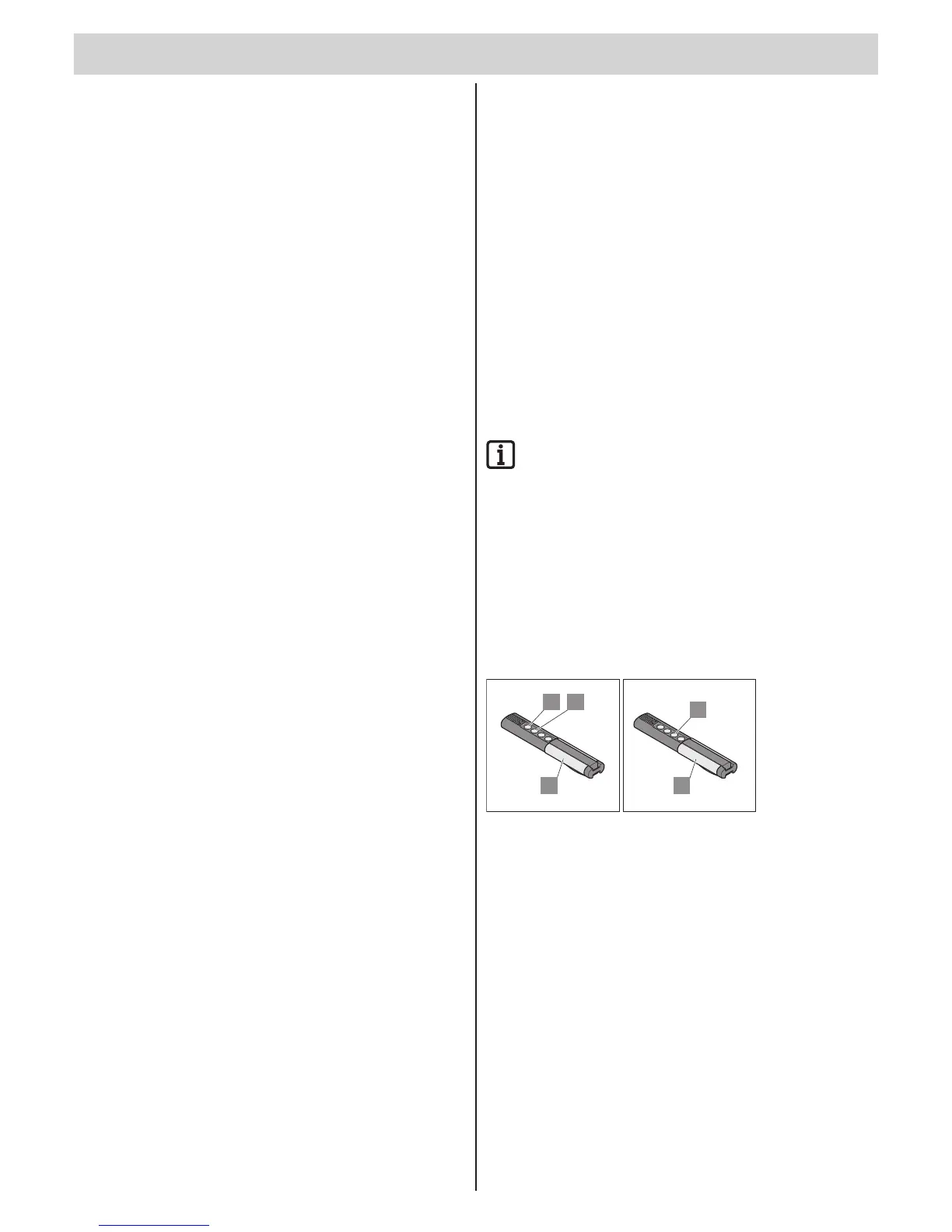
1. Press buttons 1 + 2 of a handheld transmitter programmed by teach-in (A)
for 5 seconds until LED channel 1 lights up on the radio receiver.
⇒ If no code is transmitted within another 10 seconds, the radio
receiver switches over to normal mode.
⇒ To interrupt teach-in mode: Press button (1), LED channel 1 goes out.
2. Release buttons 1 + 2 of the handheld transmitter (A).
3. Press any key, e.g. (3) on the new handheld transmitter button (B) to be
programmed by teach-in.
4. LED channel 1 on the radio receiver ashes initially and then goes out.
⇒ Handheld transmitter (B) has been programmed by teach-in.



 To Next Page
 Loading...