CAUTION! DANGER OF ELECTROCUTION!
If the fuse is burnt out, the “Mains” LED will not be
on although the mains voltage (230 V AC) is present
on the control unit.
• Before doing any work on the gate or operator, disconnect
it from the power supply and lock it to prevent reconnection.
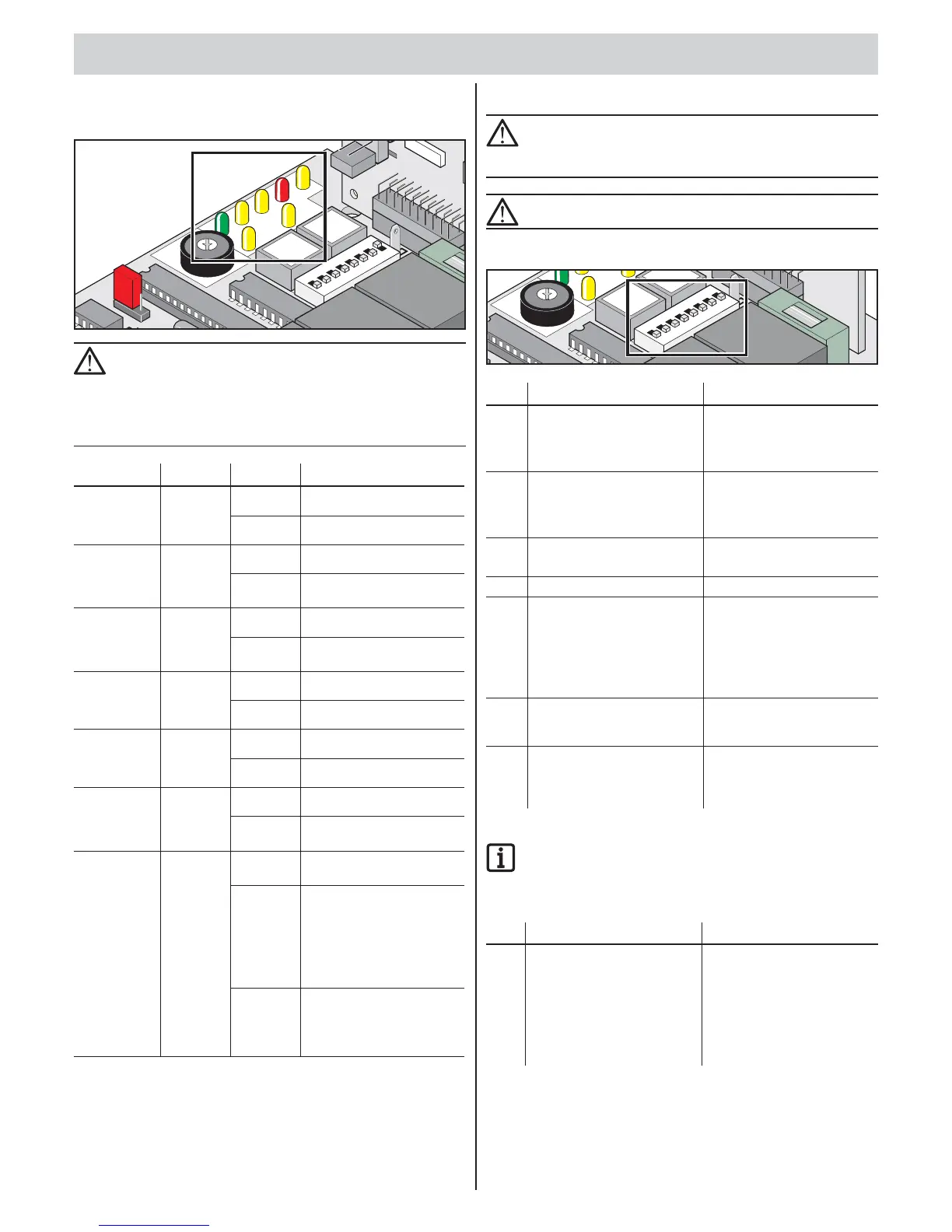
Label Colour Status Description
Power Green Off Power supply interrupted
On Mains voltage present
Pulse Yellow Off Idle mode
On Imp. button/radio channel 1
actuated
Walk-through Yellow Off Idle mode
On Walk-through button/radio
channel 2 actuated
Up Yellow Off Idle mode
On Gate opens
Close Yellow Off Idle mode
On Gate closes
SH Red Off Idle mode
On Safety input interrupted
(e.g. photo eye tripped)
WL Yellow Off Idle mode with programmed
force values
Flashes • Test mode
• Programming
(even in dead man mode)
• During every gate
movement, “Gate OPEN”
or “Gate CLOSE”.
On • Gate opens and closes
with programmed force
values
• Warning light on
DIP switches
CAUTION!
Before switching the DIP switches, disconnect the power
supply to the control unit then secure against switching
on again.
CAUTION!
The gate and its movement zone must always be in sight.
Factory setting for all DIP switches: OFF
L
E
D
1
Imp.
2
1
O
N
DI
P
3
4
5
6
8
7
FUSE
5
x20
DIP Function setting “OFF” Function setting “ON”
1 Response to triggering the
safety input (terminals 17 + 18)
while the gate opens:
• No response
Response to triggering the
safety input (terminals 17 + 18)
while the gate opens:
• Gate stops
2
Response to triggering
the safety input while
the gate closes:
• Gate reverses
Response to triggering
the safety input while
the gate closes:
• The gate stops.
3 DIP 2 = OFF:
• Gate reverses
DIP 2 = OFF:
• Gate opens completely
4 Warning light on Warning light fl ashes
5 Pre-warning time warning light:
• OFF
Pre-warning time warning light:
• 3 seconds
• Warning light fl ashing or on
before gate starts moving,
depending on the position
of DIP 4
6 * Manual mode/semi-automatic Automatic closing, variation
1 and 2 (gate closes
automatically after 60 seconds)
7 * No function/
automatic closing, variation 1
Automatic closing, variation
2 (gate closes automatically
5 seconds after interruption of
the photo eye)/semi-automatic
* For additional settings, see TorMinal owner’s manual.
NOTE
DIP switch 8:
Leave DIP switch 8 ON after a learning run. OFF position
immediately deletes all saved values.
DIP Function setting “OFF” Function setting “ON”
8 Test mode:
• Operator does not learn
any values
• Setting the limit switches
Continuous operation:
The operator learns
continuously while the gate
opens and closes:
• Force values
• Running time
• Closing delay


 To Next Page
 Loading...