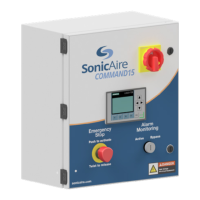
Command15
Owner’s Manual
2
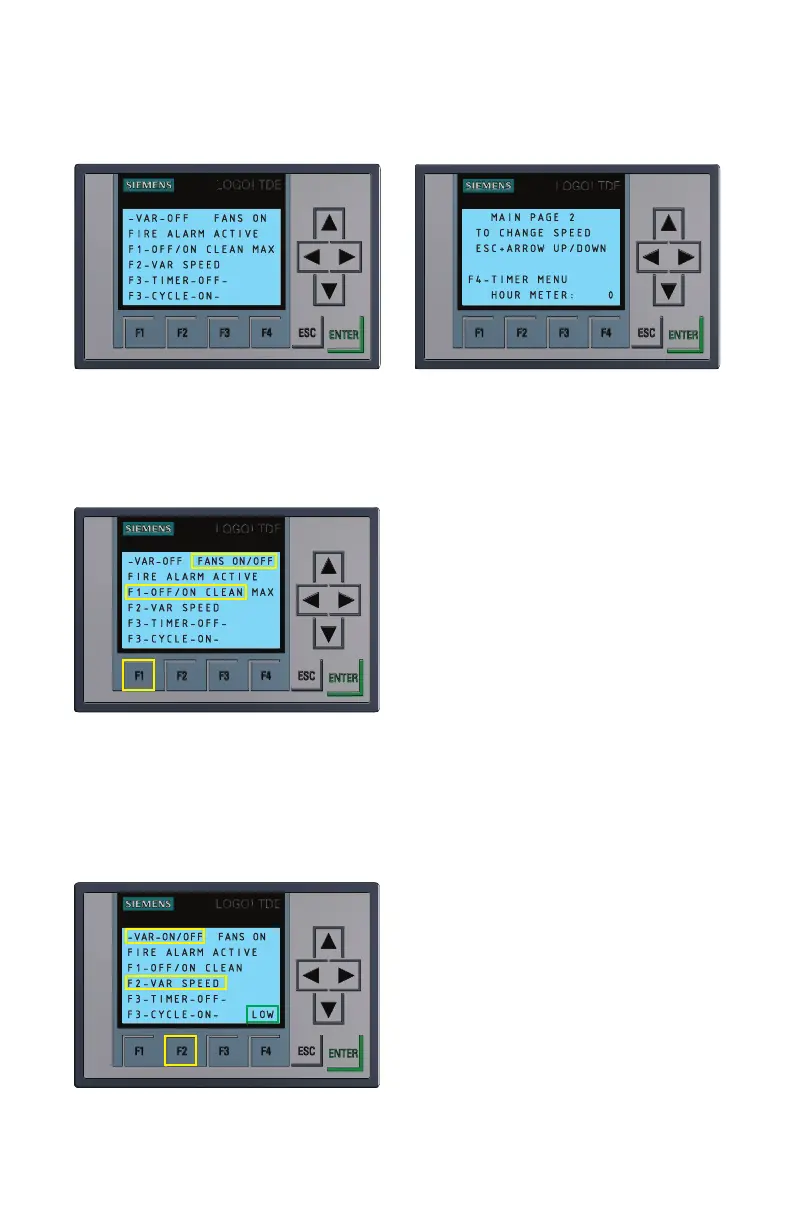
Figure A
Cycling default screens of LCD Panel Control System
FUNCTION 1: Turning your fan system on and o
Figure 1.1
Manually turning your fans ON and
OFF
Press the F1 button as shown in Figure
1.1 to turn fans on and off at maximum
speed (60 Hz).
FUNCTION 2: Variable
Speed Mode
Your SonicAire Command15 Panel has
a variable speed feature which allows
you to operate in a reduced power (and
reduced cleaning power) mode to keep
air destratified in your facility which
will prevent dust accumulation. Lower speeds decrease cleaning radius, so constant
operation in a variable speed mode is not recommended.
Figure 2.1
Turning Variable Speed Mode ON
and OFF
To turn Variable Speed Mode on press F2
once (Figure 2.1). You can now select
between LOW (30Hz), MEDIUM (40Hz),
and HIGH (50Hz) Variable Speed modes
(Note: Normal operating speed is at 60Hz
operation).
Hold ESC key while using the up and
down arrow keys to switch between
low, medium, and high variable speed
operation as shown in Figure 2.2. Release
the ESC key when done.


 To Next Page