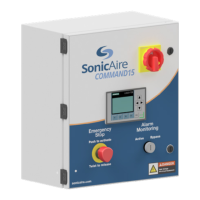
Command15
Owner’s Manual
6
EPIC Loop
Your SonicAire Command15 Panel has an interconnection feature which creates a working
interface between your fan system and your process equipment or plant machinery. This
feature will allow you to set up fan-on and fan-off functions once the process equipment
interconnect control circuit has been energized.
Energize your External Process Interconnected
Control Loop (EPIC Loop)
Set up the EPIC Loop relay in your COMMAND Control Panel (see CR2 in Figure 6.4) by
interconnecting a 110VAC, 24VDC, or 12VDC control signal from your process equipment/
machinery. Once the relay has been properly energized you can set up your control panel
to turn the fans on or off with your process.
Set your EPIC Loop function to ‘ON’ (Default)
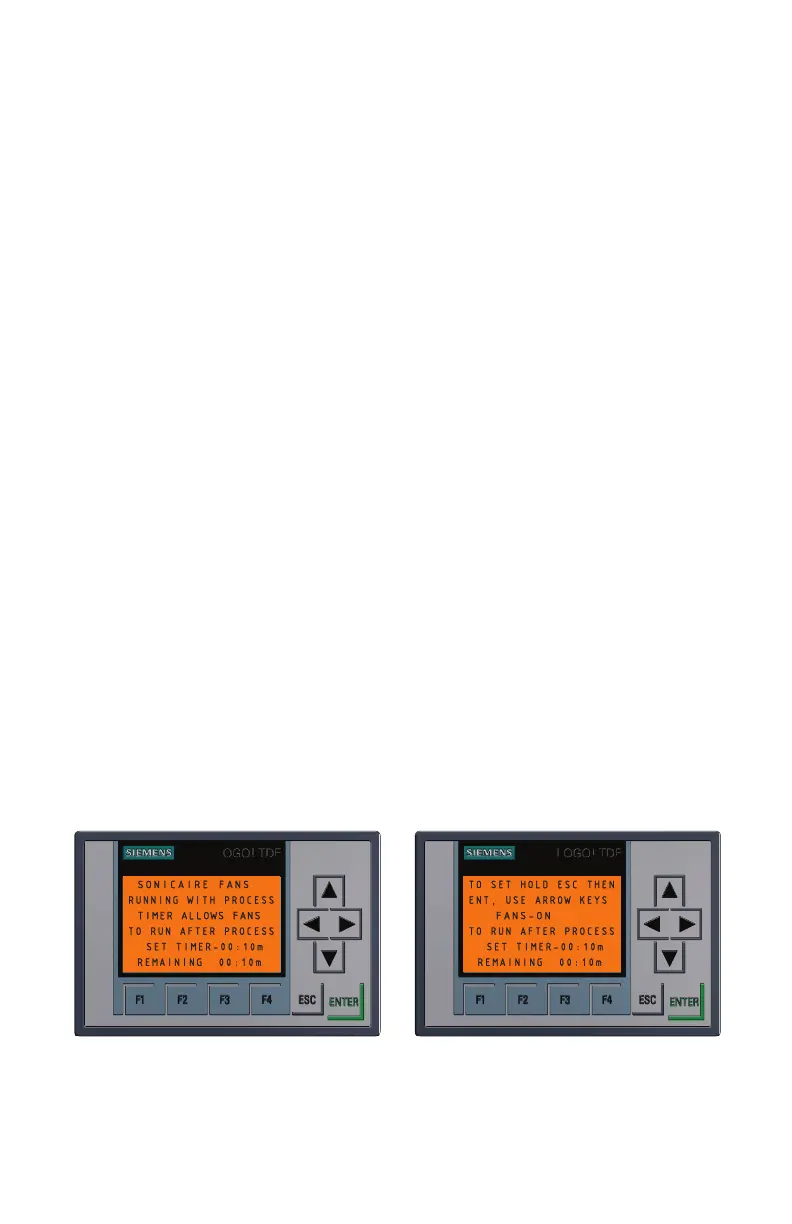
When the control relay is energized an amber screen will appear and the fans will run
full speed. The fans will resume set speed after the signal is removed. A timer can be
set (Figure 5.1) that will allow the fans to continue running at full speed for a set time
after the process. There is also an option to set a timer to allow the fans to run after the
process signal is removed. To set timer, hold the ESC button until the SET TIMER time is
highlighted. Press the enter button to highlight the individual digits. Then use the left-
right arrows to move the cursor and up/down arrows to adjust the numbers. When it is
set press ENT again and ESC to return to the default screen.
Figure 5.1
EPIC Loop Process On Screen
Note: Your EPIC Loop Function (F2) in ‘ON’ mode will override any timer functions set up


 To Next Page
 Loading...