17
Security Best Practice Guide
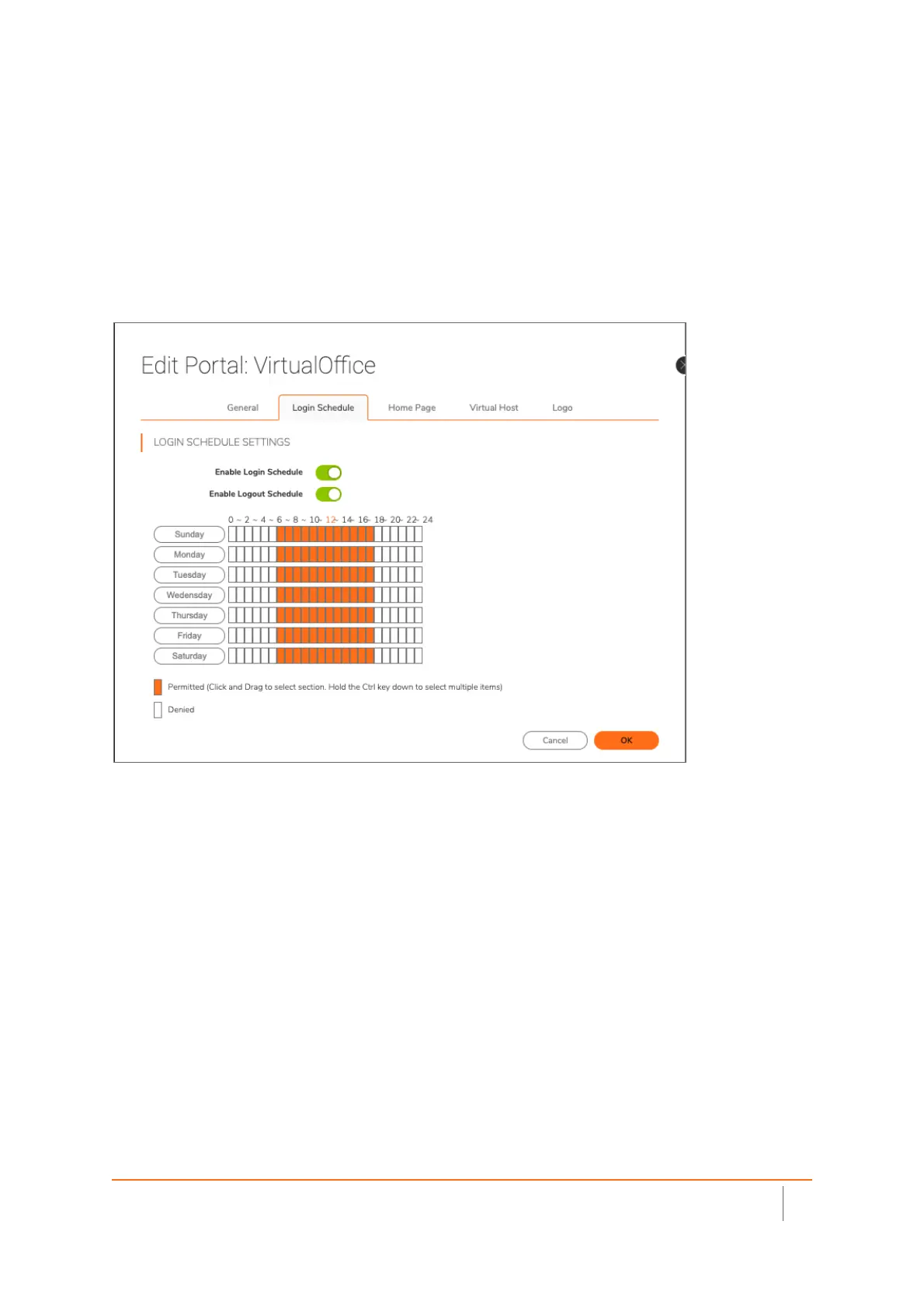
Enable “Logout Schedule”
Many times, users tend to leave their remote network equipment connected, even while they are not in use.
Any network activity can keep a client “awake” and avoid disconnecting due to inactivity. Setting up a logout
schedule will automatically logout any user session that is connected during your defined time. Many times,
threat actors that have remote access to remote user equipment, such as a laptop, will wait until after hours
as not to draw attention from the user. This adds feature offers additional security to your network.



 To Next Page