24
Security Best Practice Guide
Disable the Default Admin Account
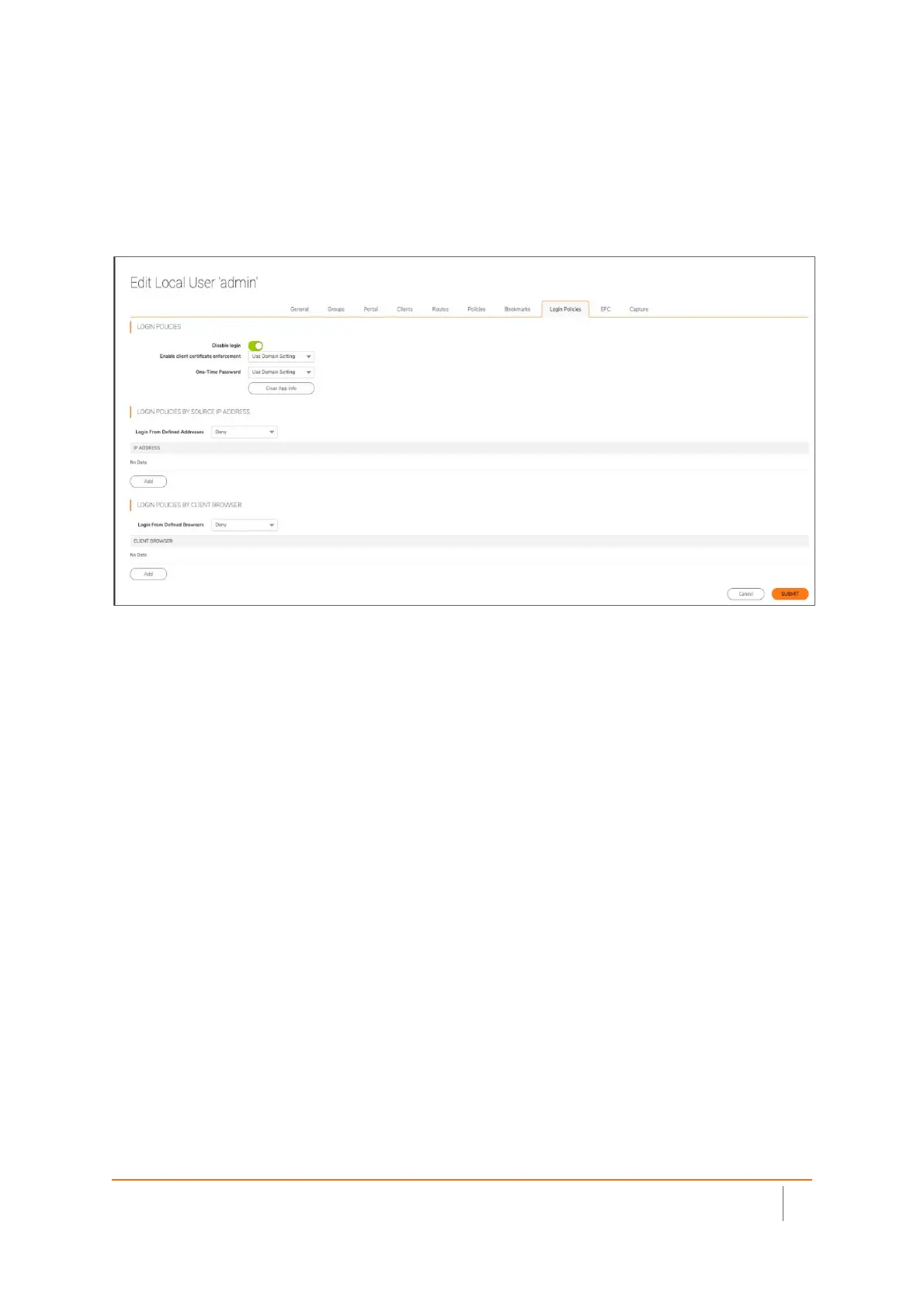
As a security precaution, it is recommended to disable the default user account for login access. To do this, you
must first create a NEW administrator. It is recommended to use a different username than “Admin or
Administrator”. Test the new administrator login PRIOR to disabling the default admin account.



 To Next Page