
 Need help?
Do you have a question about the Sonniger INTELLIGENT eco and is the answer not in the manual?
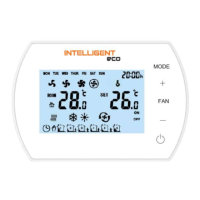
Detailed description and function of each button on the INTELLIGENT control panel interface.
Explanation of the different operational modes: Manual, Automatic, Heating, Cooling, and Ventilation.
Guide to accessing and modifying various settings via the controller's menu, including calibration and sensor selection.
Diagram and guidelines for the correct electrical wiring and connection of the INTELLIGENT control panel.
Step-by-step guide for connecting the INTELLIGENT panel to the Tuya Smart mobile application via Wi-Fi/Bluetooth.
Comprehensive list of Modbus register addresses and their corresponding parameter instructions for status monitoring.
 General
| Power Supply | 24 V DC |
|---|---|
| Power Consumption | 5 W |
| Weight | 200 g |
| Communication Interface | Modbus RTU |
| Display | LCD |

 To Next Page