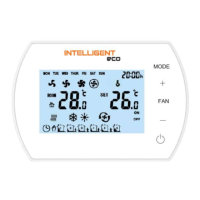
INTELLIGENT Control Panel Manual v202205
4.2. BUTTON LOCK
To LOCK all buttons, press the + then - button and hold both for 5 seconds.
To UNLOCK all buttons press the + then - button and hold both for 5 seconds.
4.3. CLOCK SETTINGS
When the INTELLIGENT controller is off, press and hold the FAN button for 3 seconds then enter the clock settings.
The order of options is as follows: hour / minute / day of the week.
Press the FAN button to change the options.
Use the + and - buttons to change the values.
4.4. OPERATION MODE SETTINGS
Press the MODE button to select the mode: manual or automatic mode.
Press and hold the MODE button for 3 seconds to select the operation mode: heating, cooling, ventilation.
4.5. FAN SPEED SETTING
Press the FAN button briefly to select the fan speed: I, II, III, AUTO.
4.6. WEEKLY PROGRAMMER
Press and hold the FAN button for 3 seconds to start programming the programmer
Monday - Friday
First zone time setting (hour and minute) -> FAN -> First zone status setting (ON / OFF) -> FAN -> First zone temp. setting ->
FAN -> move to next zone
Sixth zone time setting (hour and minute) -> FAN-> Sixth zone status setting (ON / OFF) -> FAN-> Sixth zone temp. setting.
Saturday
First zone time setting (hour and minute) -> FAN -> First zone status setting (ON / OFF) -> FAN -> First zone temp. setting ->
FAN -> Move to next zone
Sixth zone time setting (hour and minute) -> FAN-> Sixth zone status setting (ON / OFF) -> FAN-> Sixth zone temp. setting.
Sunday
First zone time setting (hour and minute) -> FAN -> First zone status setting (ON / OFF) -> FAN -> First zone temp. setting ->
FAN -> Move to next zone
Sixth zone time setting (hour and minute) -> FAN -> Sixth zone status setting (ON / OFF) -> FAN -> Sixth zone temp. setting.
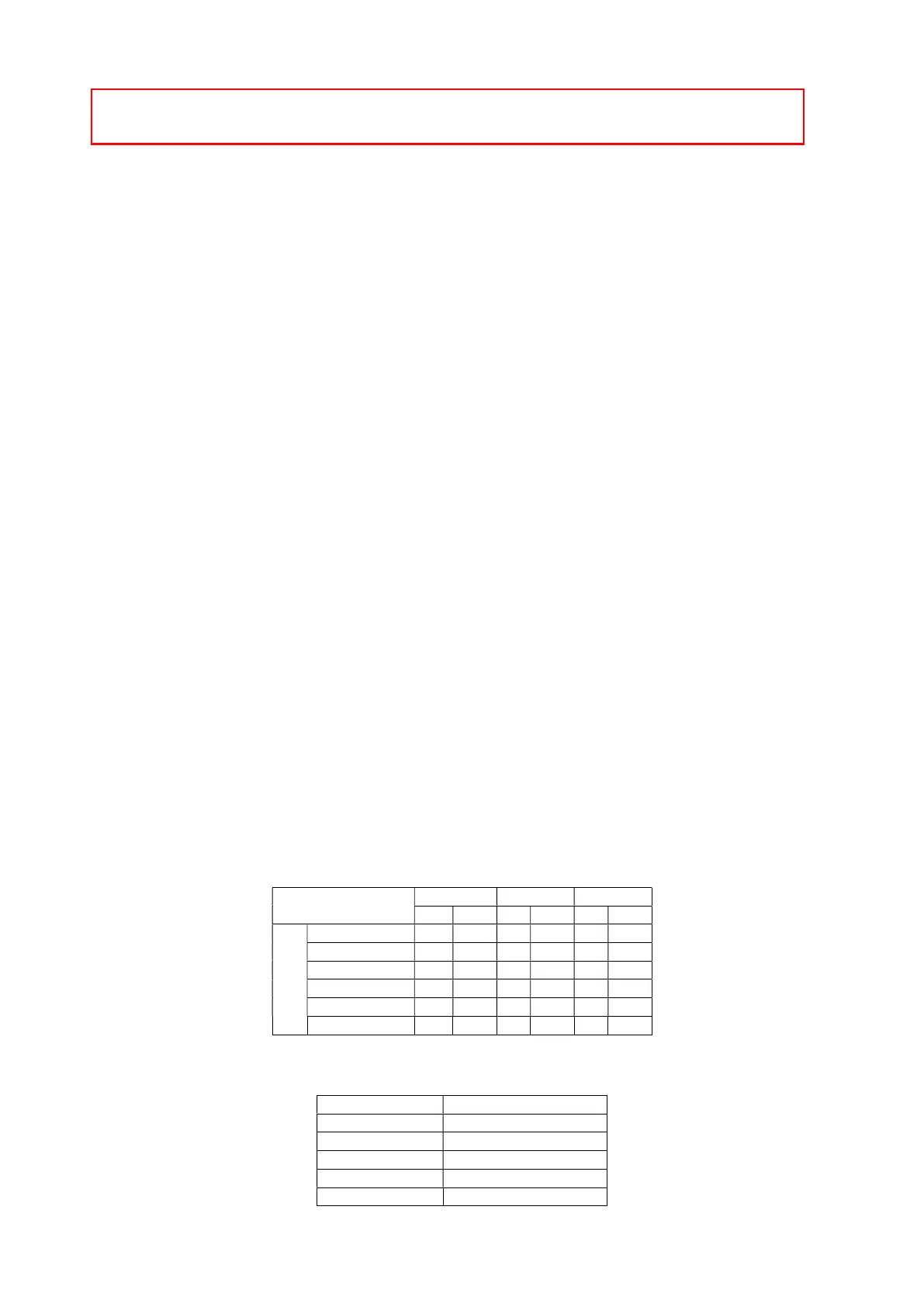
Example settings
Mon - Fri Saturday Sunday
S T S T S T
Time zone
1 06:00 ~ 08:00 ON 22°C ON 26°C ON 26°C
2 08:00 ~ 15:30 ON 24°C ON 24°C ON 24°C
3 15:30 ~ 20:30 ON 22°C ON 22°C ON 22°C
4 13:30 ~ 17:00 OFF 22°C ON 22°C ON 22°C
5 17:00 ~ 22:00 OFF 22°C ON 24°C ON 24°C
6 22:00 ~ 06:00 ON 18°C ON 24°C ON 24°C
5. BMS COMMUNICATION
RS485
MODBUS-RTU
0-2400 / 1-9600 / 2-19200
Even
8
1
IMPORTANT!
If a problem with the temperature sensor occurs, an error message will be displayed: E0.


 To Next Page
 Loading...