Sonos ZoneBridge Setup Guide
5
•Use the Sonos Controller to add the ZoneBridge to your music system by
selecting System Settings→Add a ZonePlayer or ZoneBridge from the
Music menu.
Now that you’ve added the ZoneBridge to your music system—
• If you are replacing the ZonePlayer that is currently attached to your router, you
can unplug the wired ZonePlayer, replace it with the Sonos ZoneBridge, and
move the original ZonePlayer to a new location.
• If you are using the ZoneBridge elsewhere in your house to extend your wireless
network, you can now move any of your existing ZonePlayers to other locations
if desired.
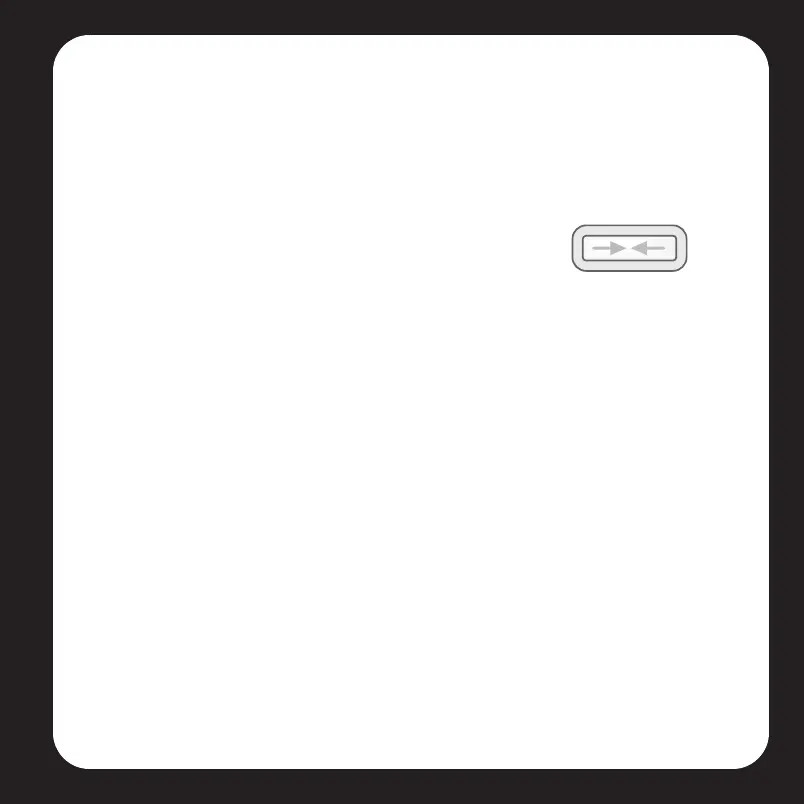
During the setup process, you will be asked to press and
release the Connect button on top of the ZoneBridge. The
indicator lights will flash green and white while the
ZoneBridge is connecting.
Viper Book.book Page 5 Friday, June 29, 2007 5:01 PM



 To Next Page