15
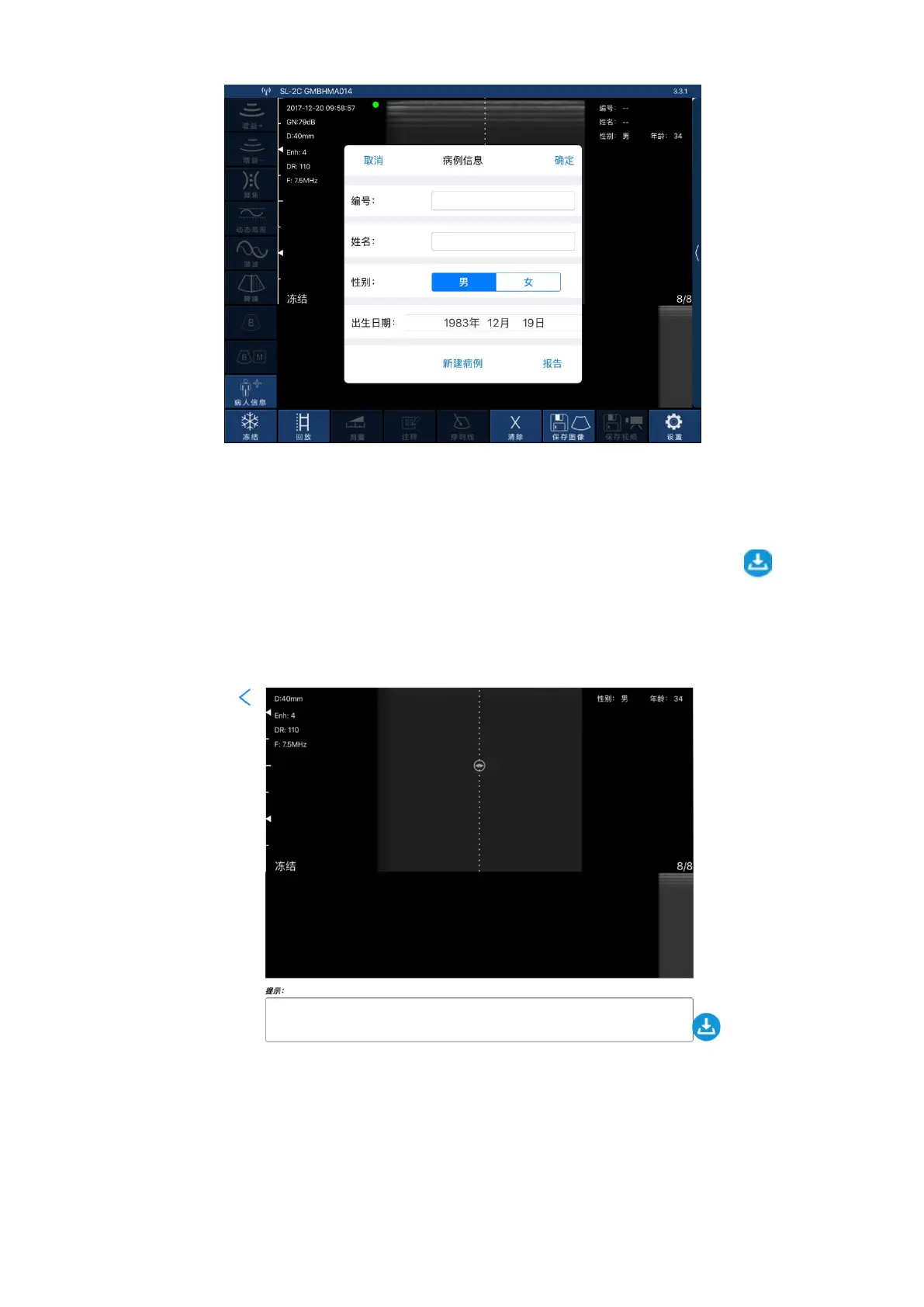
Figure 3-12 pop-up patient information interface.
Click on "report",pop up the interface below as shown in figure 3-13, click on
the "tip" box, the user can input content in dialog box. Click on download icon " "on
the lower right of the page,then the report can be downloaded.The report are stored
automatically in the smart terminal display system (apple mobile phone, or tablet)
photo album.
figure 3-13 patient information download interface
3.3.5image and vedio storage
3.3.5.1 Image storage
Click on "save image" on the bottom right in below interface (FIG. 3-14), then
save the image displaying on the screen at the moment.The image is automatically stored
in the smart terminal display system (apple mobile phone, or tablet) photo album.


 To Next Page